This guide is for B2B SaaS revenue teams evaluating demo automation software, including presales leaders, sales leaders, RevOps and CRO teams, PMMs and marketers, and lean GTM teams or startups looking to scale demos without adding headcount.

Demo automation covers four connected capabilities, not just one tool:

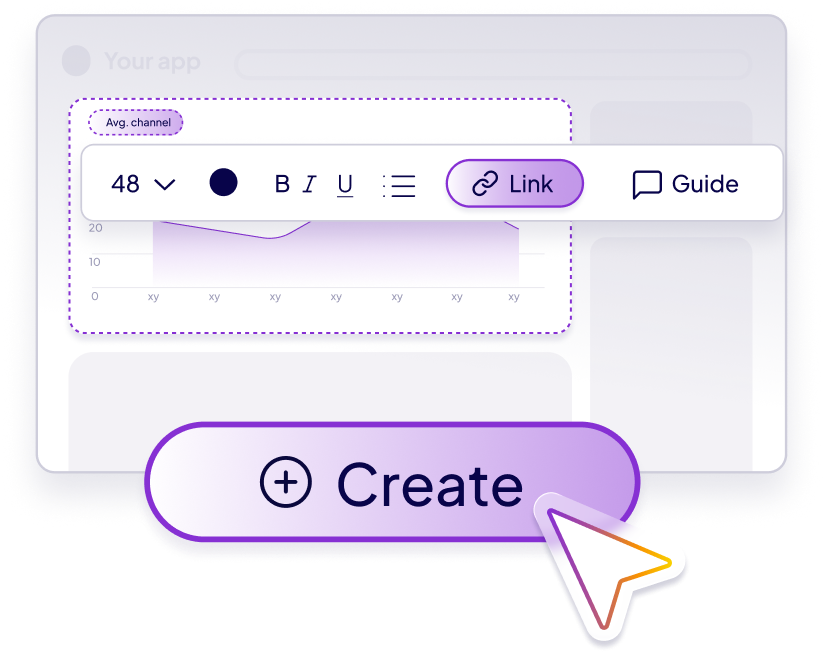
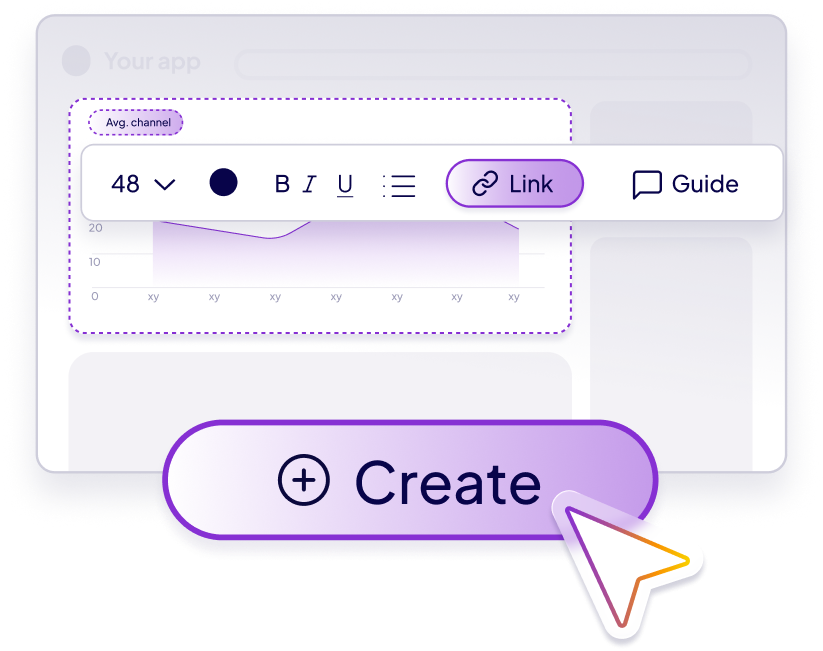
Building interactive, branded demos from real product screens, usually with AI-assisted editing and templates so teams aren't starting from scratch.
.png)
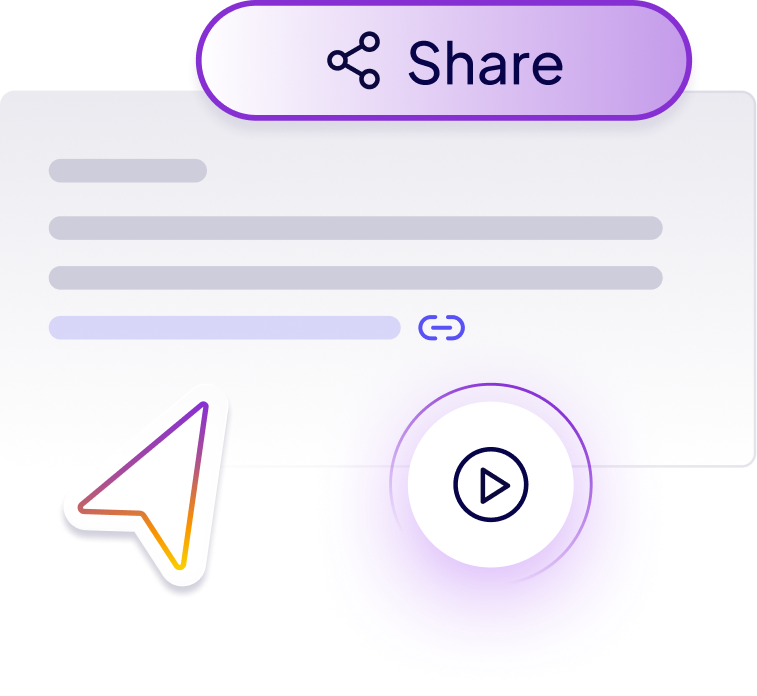
Sharing demos through links, embeds, email, and live sessions so sellers and buyers can reach them anywhere in the funnel.
.png)
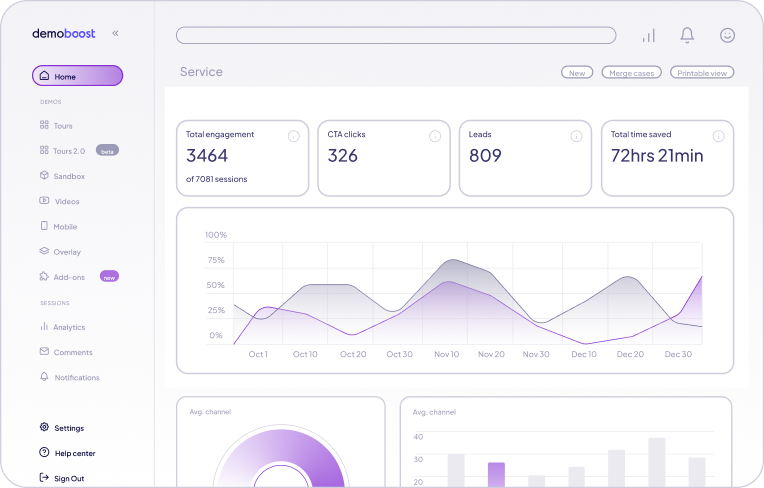
Tracking which features buyers viewed, where they spent time, and what they skipped.
.png)
Keeping every demo on brand and accurate, and easy for sellers to find and reuse instead of rebuilding the same demo for every deal.

Many demo tools focus mainly on the first capability: creation. For revenue teams, the bigger challenge is usually what happens after the demo is built: whether sellers can find it, personalize it, share it, trust it, and act on the engagement data. For the fuller picture of what demo automation is and how the category got here, see what is demo automation.
This last step is where many demo tools stop short. Demoboost's Revenue Intelligence layer covers it through both live webhooks and a native dashboard.
AI-powered demo workflows help teams personalize demos efficiently while keeping presales in control of templates and best practices.
Use it to cut demo prep time and keep demo quality consistent without hiring more SEs.
Use it to improve follow-up, give reps a faster path to demoing, and get champions enabled to sell internally.
Use it to connect demo engagement data to leads, accounts, and opportunities already in the CRM.
Use it to turn product storytelling into a scalable website and campaign asset.
Use it to build and personalize demos quickly without a dedicated demo engineering function.

Website demos for self-serve and top-of-funnel visitors
Intro call demos that let AEs demo earlier without pulling in presales
Leave-behind demos for follow-up between meetings
Deep-dive technical demos for evaluation-stage buyers
Tutorial and onboarding demos for new customers
Champion enablement, so internal buyers can present an accurate pitch without you in the room
Partner enablement, so channel teams demo consistently without rebuilding assets

A product tour, on its own, is a single capability: a guided, in-app or website walkthrough that shows a buyer a path through the product. It's often used as a standalone asset, built once and rarely revisited.
Demo automation includes product tours, but also covers personalization per account, distribution across channels, engagement analytics, and governance so the tour stays accurate as the product changes. A product tour shows a buyer where to click. A demo automation platform also tells you who engaged, what they cared about, and routes that signal to the people selling the deal.
If you're comparing specific platforms, see how Demoboost stacks up against [Storylane, Navattic, and other demo platforms] in our comparison hub.
.png)
Live demos are presenter-led, happen once, and disappear after the call ends. Demo automation creates a reusable asset: the same demo, or a personalized version of it, can be used live on a call, then shared afterward as a leave-behind, then revisited by other members of the buying committee.
Demo automation doesn't replace the conversation between a seller and a buyer. It gives sellers and SEs a faster way to prepare for that conversation, and a way to keep selling after it ends.

A digital sales room is a shared workspace where sellers and buyers collaborate on content, contracts, and next steps for a single deal. Demo automation focuses specifically on the demo itself: building it, personalizing it, and tracking how buyers engage with it.
The two are complementary rather than competing. Many teams embed an interactive demo inside a digital sales room, or drop a demo link into one as supporting content. Demo automation specializes in turning the product story into a trackable, reusable asset. A digital sales room organizes the rest of the buying process around it.
.png)
The terms are often used interchangeably, and that's fine in casual conversation. On this page, "demo automation software" usually refers to the tool used to create, personalize, and track demos. "Demo automation platform" is the broader term: a system that also covers governance, demo libraries, seller workflows, analytics, and integrations across the whole revenue team.
Demoboost is built to work as the platform version, not just the software version.
Use this checklist when evaluating demo automation software:
Can teams build demos without engineering support?
Can demos be updated when the product changes, instead of going stale?
Can sellers find approved demos by persona, vertical, or use case?
Can demos be personalized for an account without rebuilding from scratch?
Can demos be used on websites, in live calls, and as follow-up assets?
Can engagement data sync into CRM or marketing workflows?
Can admins manage permissions, governance, and version control?
Can the platform support presales, sales, marketing, CS, and partners, not just one team?
Is pricing transparent and predictable as the team scales, or does it require a custom quote for basic questions?
That's the gap where most demo automation projects stall after the initial rollout: not in building the demo, but in everything that happens afterward. See Demoboost's pricing for how the platform scales with your team, or see how Demoboost compares to [Storylane, Navattic, Reprise, Walnut, and other demo platforms]
Demoboost is built around three layers, not just one:
AI-assisted creation, templates, and demo engagement analytics, plus Demoboost AI, which can replace data, adapt content for a specific industry or region, and update currencies, dates, and UI elements across an entire demo from a single prompt.

Helping sellers find the right demo fast through a searchable, organized library, present it with step-by-step guides and speaker notes, and follow up afterward with personalized journeys per stakeholder and email alerts whenever a shared demo gets viewed, including by colleagues it gets forwarded to internally. See how this works on the Demoboost for sales teams page.
.png)
Demo activity can be routed into CRM workflows through Global Webhooks, for example notifying a rep or logging a note on an open Opportunity when a buyer completes a demo. A native dashboard scores leads based on engagement, surfaces key highlights like pricing interest or feature views, and tracks time spent and steps completed, with filters and CSV export built in.
AI is making the first layer easier across the category. It doesn't solve seller adoption or revenue visibility on its own, and that's the layer many demo tools leave out.
Based on Demoboost platform benchmarks, customers see a median demo completion rate of 88% and an NPS of 89, a level of consistency that's hard to reach when every seller is rebuilding their own version of the demo.
.png)

Spryker cut demo build time from 4 weeks to 1-2 hours and reduced presales workload by 95% on top-of-funnel calls.
.png)
Guide CX saw a 10X lift in engagement and now generates 35,000+ monthly demo views.
.png)
Celonis drives 4,300+ monthly demo views through its demo library.
.png)
Radiant Security reduced demo maintenance time by 75%.
Demo automation software is a platform for building, personalizing, distributing, and tracking product demos at scale, so revenue teams aren't rebuilding the same demo for every deal.
No. It replaces repetitive rebuilding and gives sellers a faster way to prepare for and follow up after live conversations, but it doesn't replace the conversation itself.
Yes, through workflows rather than an automatic sync. Demoboost's Global Webhooks route demo activity, like a completed demo or a lead form fill, into CRM tools such as Salesforce or HubSpot, so teams can trigger actions like notifying a rep or logging a note on an open opportunity.
A demo-qualified lead is a prospect identified through demo engagement signals, such as completion rate or specific feature views, that indicate real buying intent rather than just a form fill.
Ownership usually sits with presales, product marketing, sales enablement, or RevOps. In mature teams, presales and product marketing maintain the demo library while sales uses approved demos in active opportunities.
Yes. Demoboost AI can replace data, currencies, dates, and regional details, and adapt template content like names and descriptions for a specific industry, all from a single prompt applied across the whole demo.
At minimum, it should track demo views, completion rate, time spent, drop-off points, CTA clicks, repeat visits, stakeholder engagement, and feature-level interest.
Yes. A leave-behind or sandbox demo lets your internal champion present an accurate, on-brand version of the pitch to other stakeholders without you in the room.