Wait! Before You Leave…
Not sure how interactive demo will work best for your business? We can guide you!
Not Ready Yet? Check out our Interactive Demo report.
Create a library of interactive product demos so buyers can choose the workflows, use cases, and product stories most relevant to their needs.
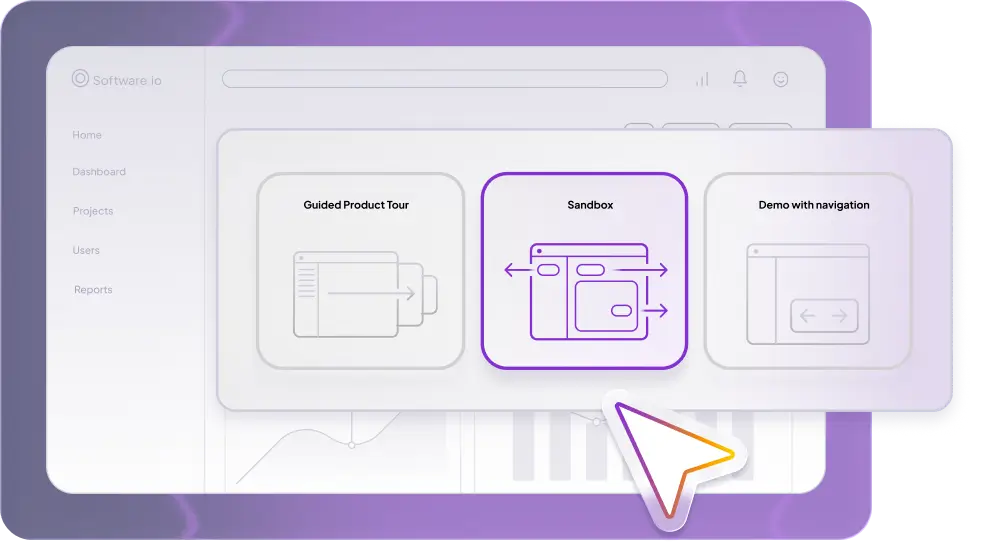

Not every buyer needs the same demo. Different roles, industries, and deal stages come with different questions.
A demo gallery gives buyers one place to explore the parts of your product that matter most to them. Instead of sending one generic recording or static product page, you can guide prospects to a curated set of interactive demos they can explore at their own pace.
With Demoboost, teams can build demo galleries for websites, campaigns, sales follow-ups, events, partner enablement, and customer education.
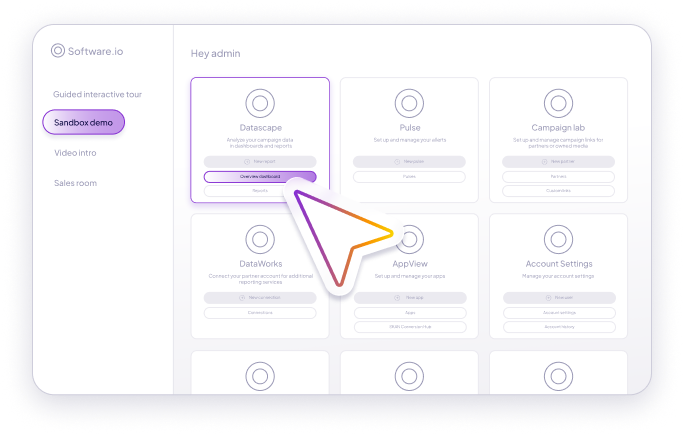


Let high-intent visitors browse product demos directly from your website.

Send buyers a curated demo gallery after the call so they can revisit key workflows and share them internally.

Help your champion bring the right product story to every stakeholder in the buying committee.

Give attendees an easy way to explore the product after the session ends.
Create a shared demo library partners can use to tell a consistent product story.

Help customers discover features, workflows, and best practices through interactive demos.
Demoboost helps teams organize, personalize, and share interactive product demos in one place.
Build demos once and use them across campaigns, deals, teams, and customer journeys.
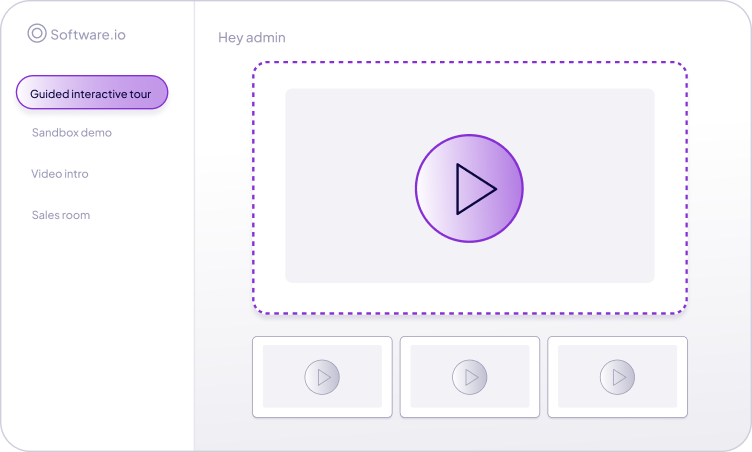
Group demos by persona, industry, workflow, product line, or funnel stage.
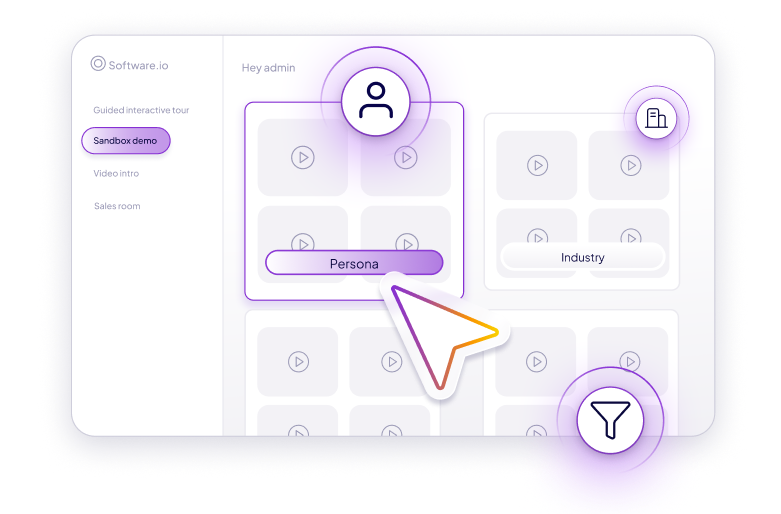
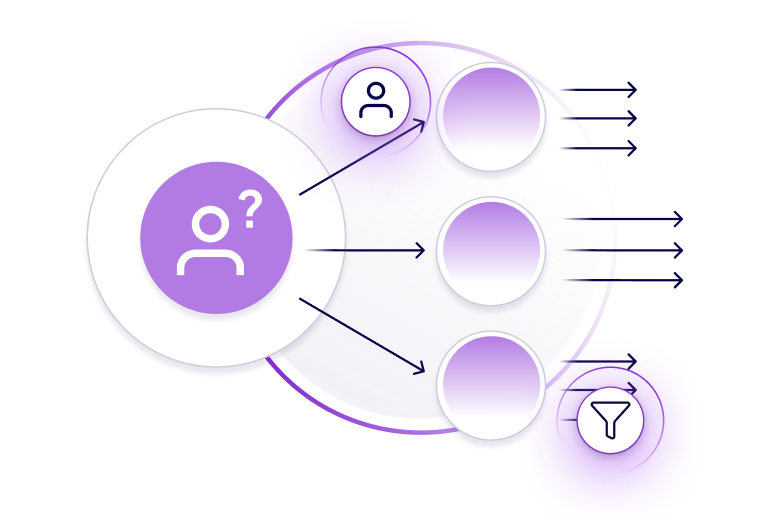
Help visitors choose the demo most relevant to their pain point or role.
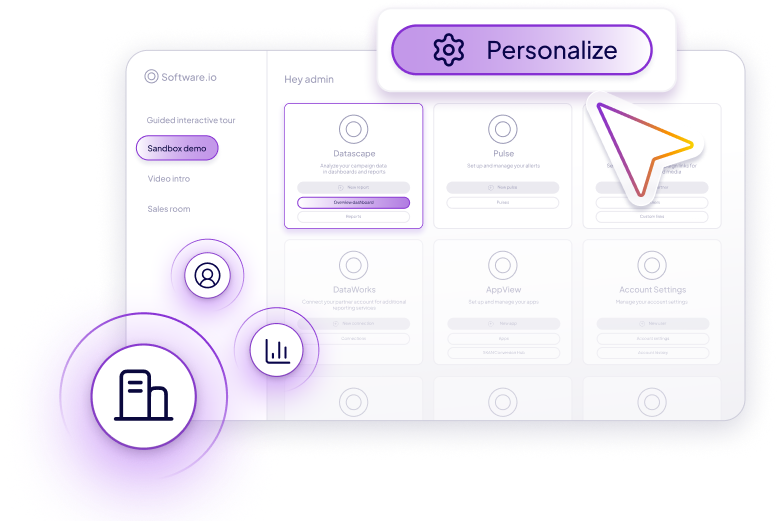
Adapt demo galleries for target accounts, industries, or sales motions.
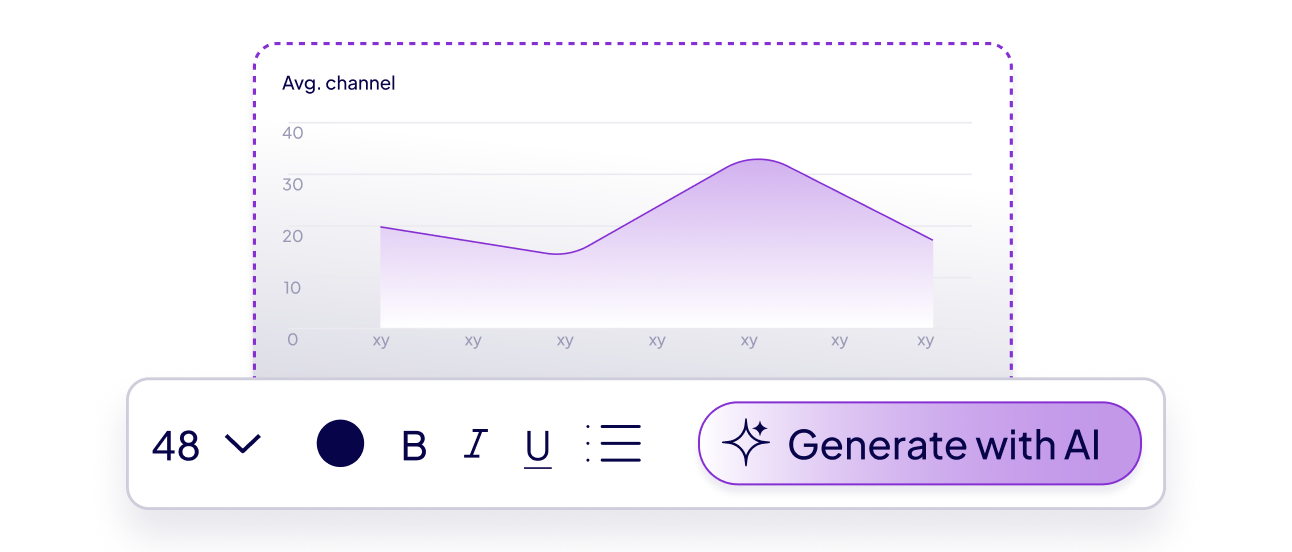
Use Demoboost AI to refine copy, generate narration, translate content, and speed up demo creation.
See which demos buyers view, how they interact, and what signals intent.
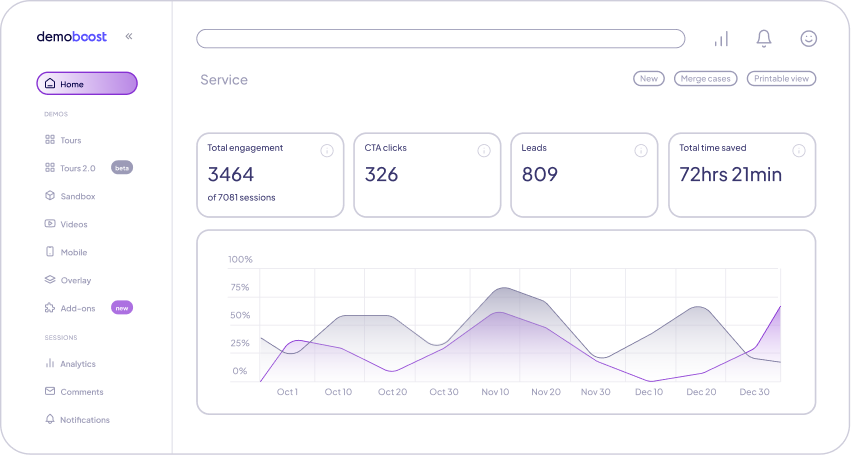
A single product demo shows one story. A demo gallery gives buyers a choice.
Use a single interactive demo when you want to guide buyers through one focused workflow.
Use a demo gallery when you want to give buyers multiple paths, such as different roles, use cases, industries, or product areas.
With Demoboost, you can create both — and use engagement data to understand what each buyer cares about most.


Turn product pages, landing pages, and campaigns into interactive product exploration hubs.

Share curated demo galleries before or after calls to keep deals moving.

Reduce repetitive demo requests by giving buyers access to common workflows.

Support onboarding and adoption with a library of guided product experiences.

Give partners a consistent demo library they can use in their own sales conversations.
A strong demo gallery needs more than a list of links. It needs structure, messaging, and clear paths for different buyers.
Demoboost AI helps teams create, personalize, narrate, translate, and refine demos faster — so your gallery stays useful, current, and easy to scale.
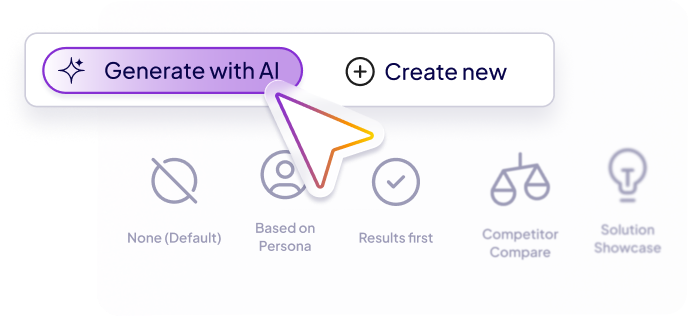
Create demo galleries that help prospects explore, compare, and share the product stories that matter most.
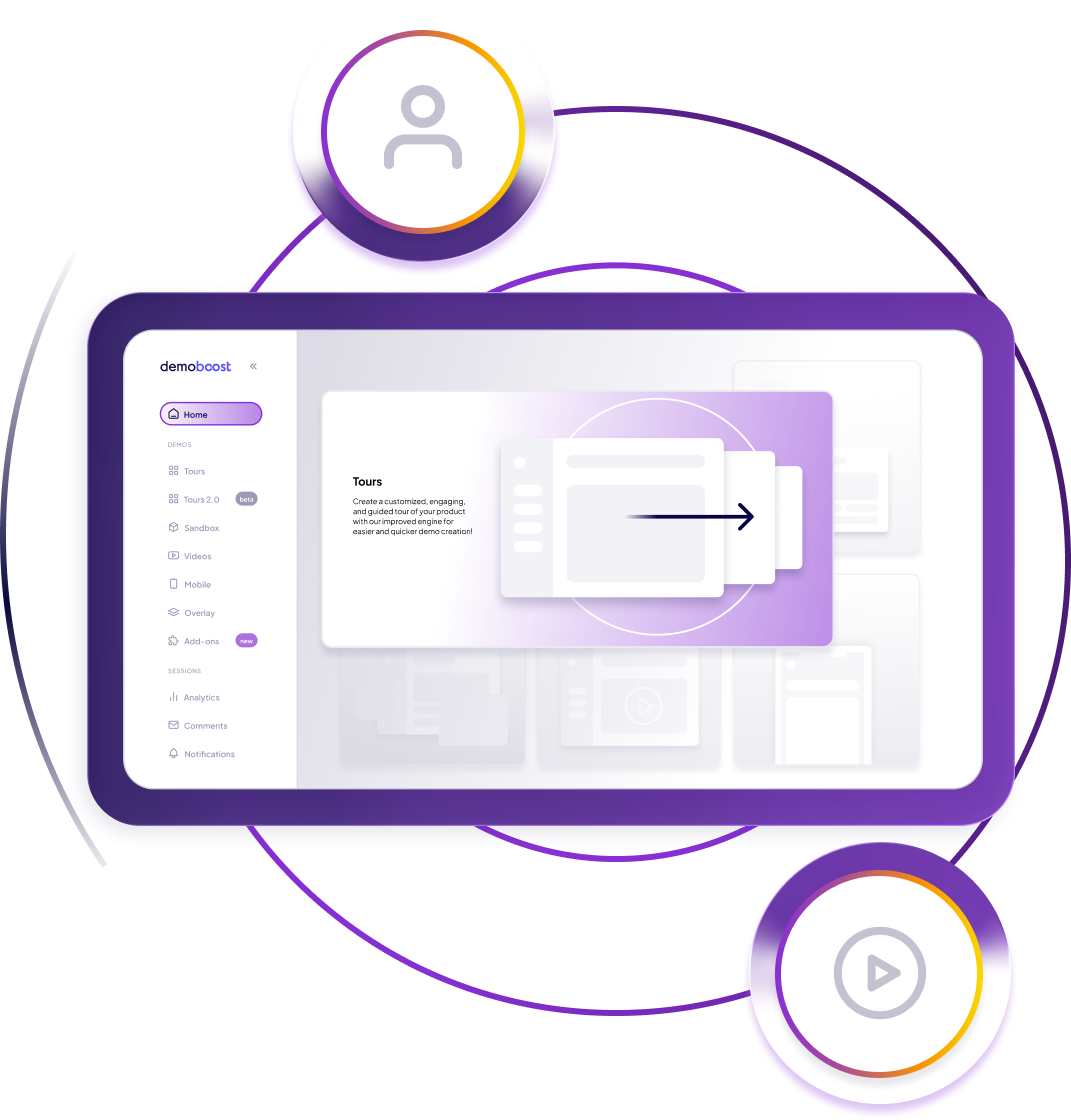
A demo gallery is a collection of interactive product demos organized in one place so buyers can choose the product story, workflow, or use case most relevant to them.
A demo library is often internal. A demo gallery is usually buyer-facing and designed to help prospects explore the product, self-educate, and share demos with stakeholders.
Use demo galleries on websites, landing pages, event follow-ups, sales follow-ups, partner portals, and customer education hubs.
Yes. Demo engagement data can show which demos buyers viewed, what workflows they explored, and where they showed the most interest.
Yes. Sales teams can send curated demo galleries after calls so buyers can revisit the product story and share relevant demos internally.


.png)


.png)


.png)
Provide easy access to prospects with a demo gallery that serves as an information center. Structure your demo gallery based on industry, persona, and use case for improved searchability and user experience.
.png)
Use the demo gallery to equip prospects with relevant information about your product. Qualify and educate the leads so they enter the sales pipeline with high intent and well-prepared on what they need to ask.

74% of purchase decision happens before the buyer meets the sales rep. Propose your point of view to the prospect through the easy-to-browse demo gallery and influence their decision while they are still influenceable.

Stand head & shoulders above the competition with a demo gallery that allows users to find what they want, anywhere & anytime. Gain a competitive edge as your users can access information faster and enable them to make informed decisions.


.png)
"A New Dimension of Demos" Demoboost significantly improves workflow efficiency by offering: 1. Speed in creating customized demo presentations for clients. 2. The ease of personalizing demos specifically tailored to client's needs. 3. Reliable analytics for real-time tracking of client interactions with the demo. All these elements account for considerable time savings and provide our potential clients with an enhanced experience while accessing the demo. Review collected by and hosted on G2.com.

.png)
"Awesome tool and fantastic customer support" In the short time we've been using Demoboost it has already proven to be a valuable tool that we've incorporated into our processes. I also can't thank the customer success and technical support guys (Denis and Michal) enough, who have really gone above and beyond to ensure we've gotten the most out of the tool.
.png)
"Very intuitive to use" in easy way allows to provide with the demo of identity security solutions that I demonstrate to prospects
.png)
"Best value for money, accelerate sales process" We have used Demoboost during the sales process and early delivery - discovery/workshop sessions. Our Account Executives, Sales Team, and Architects use ready demos that we store in our repository. It's easily accessible to our team and brings consistent, clear, and best-quality demos.
.png)
"After using real interactive code from my product, I'll never go back to using basic screenshots" Onboarding and customer support were one of the main reasons I bought Demoboost. Their services team is experienced and responsive so any time I need training or demo customization engineering to beyond functionality available out of the box, they help us move fast enough to keep our sales team happy.
.png)
"Simplify and Streamline Demos" For the moment, I am exploring the use of Demoboost for enablement purposes and how it can support my team with getting up to speed faster on certain areas of the business.
.png)
Demoboost is a really great tool: it enables us to create really cool and engaging product tours to grab prospects' attention on our website, but I'm also excited to start using it for other use cases, like to support the sales process. What really stood out since we started using it, is the team. They're super responsive, and it has simply been a dream to work with them. Special thanks to Denis and Michał (from the CS and support team), that have been patiently responding to all my questions!

All of our AEs love using Demoboost to ensure a smooth and streamlined demo. We work with a lot of sensitive data in security and its super helpful to use it to redact/customize the platform for our audience. We also send it out post demo so that the prospect is able to click around and see how the platform works on their own time. There really isn't anything that I dislike! It is really easy to use.

Excellent product to fill a gap in selling process.I like the most ability to snapshot my products. Sales in my organization can later use them and I don't need to support environment all the time. All is ready to use on demoboost. There is a lack of some features, but development team listens to the clients and implements them quickly. I really appreciate it. It let Sales to have ready to use demos of applications with easy to navigate story behind.
.png)
With Demoboost, customer-facing teams can focus on the right leads and give them all the attention they need to convert.
.png)
Demoboost has been a game-changer. We cut demo building time from 4 weeks to 1-2 days, freeing up our solution consulting team to focus on what really matters. We can now provide better demos to deals with lower win probability, converting more of them. With Demoboost, we can give any opportunity, at any stage in our pipeline, a personalized demo as soon as we understand what our customer wants to see. These changes led to over a 100% boost in our sales effectiveness. We save time, we save money, and at the same time, we sell better. It's not a multiplier; it's a square function! Adding the demo’s viral effect and analytics, we can say we've improved our efficiency and effectiveness even by the power of three.


As a market leader, we always want to deliver great experience to our customers. This includes educating them about our products. That’s why we’re excited about Demoboost. It enables organizations to scale their demo best practices efficiently. Not only internally, but also with partners. As a result, sales teams and partners can deliver great demo experience for every customer. While at the same time consultants and engineers focus on the most complex use cases. This opens up completely new opportunities of going to market, efficiently and effectively.

During the purchasing process, the Demoboost team produced a high-quality demo in record time.

Demoboost is designed to be user-friendly and intuitive, so you don't need any technical or design skills to create interactive product demos. Our platform includes drag-and-drop functionality demo building and editing, making it easy to create and share instantly.
Yes, Demoboost includes built-in analytics that integrate with your CRM to allow you to monitor engagement and conversion rates for your demos. This data can help you optimise your demo gallery for better performance and higher conversion rates.
Yes, Demoboost is designed to integrate seamlessly with your existing sales tools and technologies, such as Salesforce CRM. This integration helps to create a more streamlined sales process and improves overall efficiency.
Demoboost provides unlimited customer support from day 1, including helping you build demos, work closely to train, and solve any issues you might face. You can read here about customer success.
Demoboost is a reliable platform that is 100% GDPR-compliant and ISO certified to protect your company's sensitive information.


