.png)
Learn how presales is evolving and howyour team can stay ahead in atech-driven sales landscape.

![6 Stunning Interactive Product Demo Examples To Get Inspired From [2026]](https://cdn.prod.website-files.com/65422a1e221ec459a78f0dbe/6a707b7eacb5d946187f1823_6%20Interactive%20Product%20Demo%20Examples%20(2026).png)
Interactive product demos have changed how B2B software gets sold. Instead of watching a static video or sitting through a slide deck, buyers can click through a real product experience, explore what matters to them, and understand the value on their own terms.
Interactive product demos are like Swiss Army knives in your conversion toolkit. While tailoring demos to specific needs is essential, you’ve only scratched the surface of the interactive demo’s true potential.
The best part is how adaptable they are. A single interactive demo can shorten a sales cycle, improve lead qualification, or make onboarding easier, depending on how you build and use it. Below are six interactive product demo examples, each showing a different technique you can borrow to present your own product.
Hitachi, a global technology company, recognized that different prospects prefer different kinds of content. So instead of forcing one format, Hitachi offered four ways to explore the product from a single interactive demo:

Each prospect could pick the depth and format that suited them, which turns passive viewing into active exploration. Buyers click, navigate, and discover features at their own pace, and that builds a clearer understanding of the product's value.
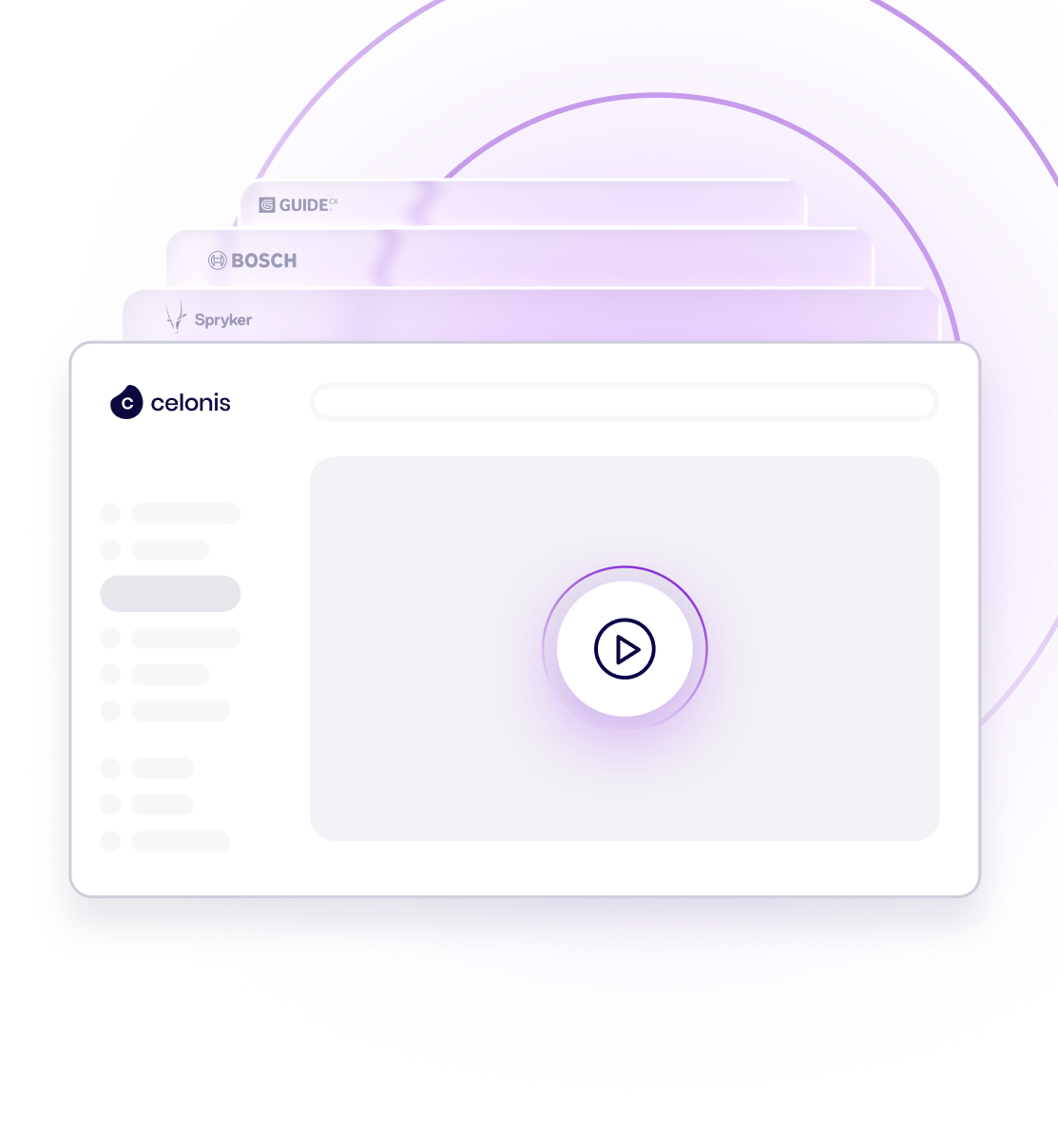
Celonis, a process mining and execution management company, uses an interactive demo gallery as a top-of-funnel tool. Rather than a single linear walkthrough, the gallery lets prospects explore Celonis's technology by topic, so business development and sales conversations start from what the buyer actually cares about.
This works well early in the buyer journey. Prospects self-select the use cases that match their situation, and the sales team learns what resonated before the first real conversation.

Voucherify, an incentive optimization engine, offers interactive product tours where prospects choose a path based on their specific use case. Each self-serve tour shows how teams design, test, and optimize incentives in real time, so buyers can quickly see how to build and manage promotional campaigns relevant to them.
This use-case menu approach means a prospect who came in for one problem can discover adjacent capabilities on their own, which widens the conversation without a hard sell.
Devskiller, a tech skills assessment platform, needed to keep mid-funnel deals moving without overwhelming buyers who were already well informed. A single deep-dive demo risked being too long, so Devskiller built a non-linear demo instead.
Non-linear demos let viewers explore at their own pace and jump to the sections that interest them, rather than following one fixed path. Giving buyers that control respects their time and keeps them engaged, and it tends to work best with buyers who already know what they are looking for.
Selling between meetings means keeping a deal warm in the gaps between scheduled calls. A follow-up demo is a short, interactive demo an account executive sends after a meeting, and it does three things well:
Used this way, a follow-up demo becomes an extension of the sales conversation that keeps the deal progressing between touchpoints.
Chatbots are a common way to engage prospects on a website. Sigma took that further by embedding an interactive demo inside the chatbot experience.
Alongside a "Chat with an Expert" option, Sigma offers a "Take a Product Tour" button. When a visitor picks a feature to tour, a step-by-step walkthrough prepares them to go back into the product and explore on their own, without needing extra support. The result is a demo that answers questions in the moment, right where the buyer already is.
These six examples show how flexible interactive demos can be, from a self-directed journey to a discovery gallery, a use-case menu, a non-linear deep dive, a follow-up between meetings, and a demo embedded in a chatbot. Pick the technique that fits your buyer and your stage, and build from there.
1. What is an interactive product demo?
An interactive product demo is a hands-on version of your product that a buyer can click through on their own, rather than watch as a static video or slide deck. It recreates the real product experience, so prospects can explore features, follow a guided path, or try a sandbox at their own pace, before or alongside a conversation with sales.
2. What are the main types of interactive product demos?
Common formats include guided product tours (a set path through key features), sandbox demos (a free-form environment that mirrors the live product), choose-your-own-journey demos and demo menus (the buyer picks what to explore), follow-up demos sent between meetings, and mobile demos. Many teams combine formats in a single demo gallery so different buyers can engage in the way they prefer.
3. What is a follow-up demo?
A follow-up demo is a short, interactive demo an account executive sends after a meeting, built around what was discussed. It reinforces key points, answers questions that came up on the call, and keeps the deal moving between scheduled touchpoints by giving the buyer something to revisit and share internally.
4. What makes an interactive product demo effective?
An effective interactive demo is relevant to the buyer's role and use case, easy to navigate, and focused on outcomes rather than a full feature walk. The strongest examples let buyers explore on their own, tell a clear story, and give the sales team engagement data on what each prospect viewed, so follow-up is based on real interest.
5. Where can I see interactive product demo examples?
You can browse a live gallery of interactive demos built with Demoboost on the interactive product demo examples page at demoboost.com/interactive-product-demo-examples, with real examples from companies across industries, including guided tours, sandbox demos, demo galleries, and choose-your-own-journey experiences.
6. How do you create an interactive product demo?
With Demoboost, you capture your product screens, arrange them into a guided tour or sandbox, add guides and narration, and personalize the content with AI. No coding is required, and you can track how buyers engage with each demo once it is shared.
Book a live demo to see how Demoboost helps your team cut demo prep time, qualify buyers faster, and focus on real opportunities.
Book a Live Demo

.png)
.png)
