
In sales, information is power. The biggest challenge with on-demand demos has always been the "black box"—knowing someone watched, but not knowing why or what they truly valued.
Today’s update turns every Demoboost link into a powerful discovery tool.
Playlist Menu: Intent Data at the Source
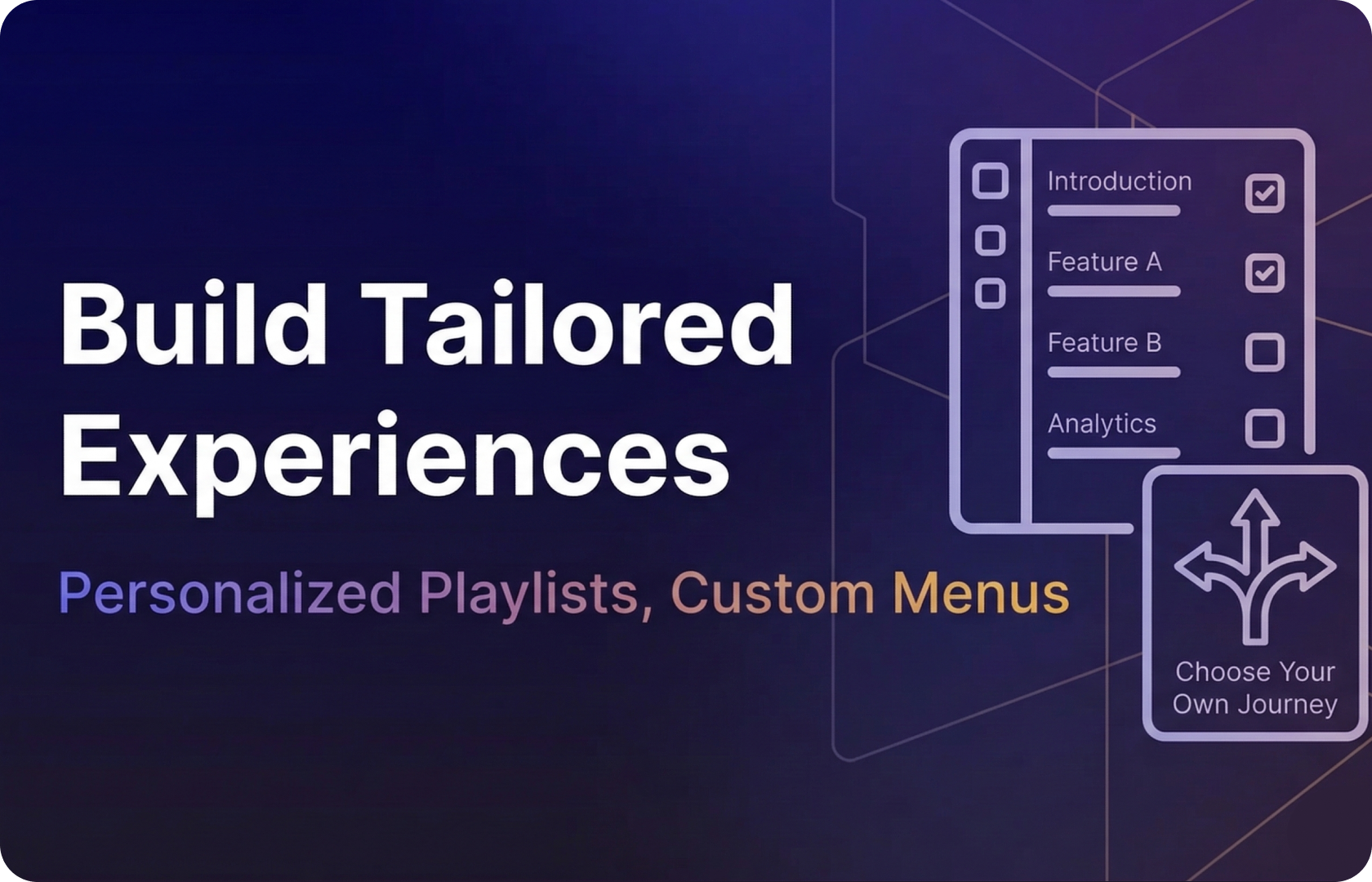
The core of this update is a new pre-demo interface. Instead of a passive "Play" button, viewers are invited to prioritize the topics that matter most to them.
By categorizing chapters, the prospect is essentially filling out a discovery form without the friction. You aren't just giving them a demo; you’re letting them build their own business case.
It’s a win-win for both sides:
- For the Prospect? They get a tailored "choose your own adventure" experience that respects their time.
- For the Seller? You receive a goldmine of intent data. You’ll know exactly which pain points to double down on during your next discovery call.
Dynamic Playlists: Actionable Personalization
Once the priorities are set, the demo adapts. Smart Playlists automatically reorder and filter content based on the viewer's input. This ensures the crucial features get the spotlight they deserve, maximizing engagement and reducing the time-to-value while the prospect's attention span is at its peak.
Lead Analytics & CRM Sync: The Sales Team's New Superpower
This is where the real magic happens. The data captured in the Playlist Menu is fed directly into your lead analytics.
- Priority Maps: See at a glance what your prospects are prioritizing.
- Direct CRM Integration : Push these qualification insights directly into your CRM records.
Your sales team no longer has to go into calls blind. They can enter every conversation armed with a deep understanding of the prospect's specific pain points, as defined by the prospect themselves.
But Wait, There’s More: Building at Speed
While we’re revolutionizing your sales data, we’ve also made life easier for your demo creators:
- Global Guide Settings : Apply behaviors to every guide in your demo at once. Set it once, and let it scale.
- The Unhide Workflow : Edit elements hidden behind overlays without breaking your flow. Simply hide the overlay, fix the background, and unhide - total control over complex screens.
Ready to turn your demos into discovery machines?
Check out our demo to see how to set up your first prospect’s journey.