
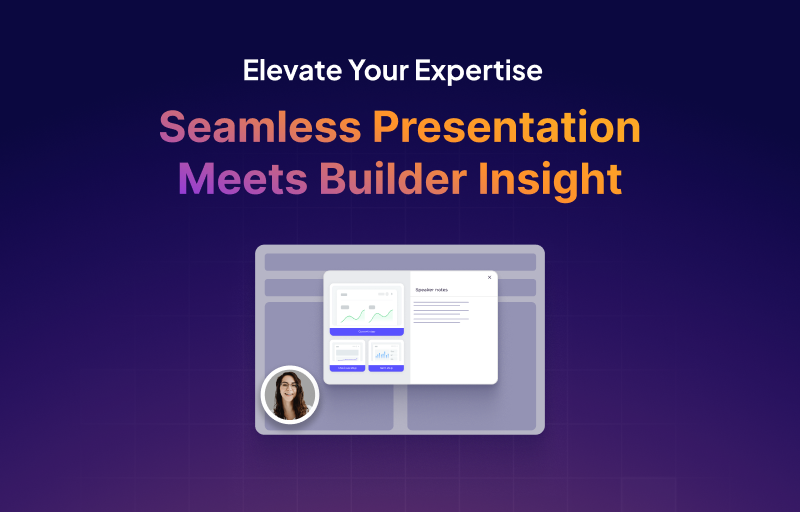
The foundation of a successful demonstration lies in two critical areas: the presenter’s confidence and the creator's understanding of the full breadth of the platform's potential. This release delivers significant advancements in both, ensuring every live demo is executed flawlessly and every creator knows how to build the most sophisticated demos possible.
The Presenter's Edge: Speaker Notes 2.0
The quality of a live demo hinges on the presenter’s ability to recall key talking points, pivot based on the audience, and maintain a seamless flow. Speaker Notes 2.0 refines this essential tool for every live presentation.
Invisible Intelligence for a Flawless Delivery
Speaker Notes are the presenter’s secret script, visible only to the person leading the demo, but not to the audience. Integrated directly into the Demo Editor, you can now add precise, screen-by-screen talking points, product facts, or strategic cues. This ensures your team can deliver a perfectly rehearsed, on-brand message every time, without relying on rote memorization or external notes.
This tool empowers presenters with the confidence to navigate complex workflows or feature sets. By having the script available on the presentation screen, you eliminate the risk of missing a crucial detail or stumbling over complex terminology, transforming every presenter into an expert.
Expertise at Your Fingertips: Advanced Demo Resource Pages
Your team is building the most advanced demos on the market, but discovering the full potential of formats like Sandboxes or Mobile views should be effortless. New dedicated resource pages have been added to the product to serve as an accessible reference library for advanced creation.
New dedicated pages within the product navigation now clearly showcase the strategic use cases and implementation details for advanced demo formats. This includes:
- Sandbox: Providing clear guidance and examples on how to build and present a customized, interactive, and reliable copy of your product for clients.
- Mobile: Detailing the best practices and techniques for creating seamless, engaging demo experiences optimized for mobile viewing.
- Videos: Showcasing the powerful integration options and custom controls available for utilizing dynamic video content within the interactive narrative.
- Overlay: Explaining the strategic use and implementation of the live demo overlay for dynamic, tailored presentations executed in real-time.
This resource increase is crucial for scaling internal expertise. By openly providing guidance and examples for the most advanced formats, we proactively ensure that every team member knows how to build sophisticated demos, turning feature discovery into immediate skill acquisition.