Demo AI splits into three layers: builder agents (speed up creation), buyer-facing agents (handle prospect interaction), and data/environment agents (personalize and maintain accuracy). Most vendors are strong in one layer and weak in the other two.
Screen capture is still 100% manual across every platform on the market. AI accelerates what happens after the capture, not the capture itself.
Demoboost's AI operates at the strategy layer: a rep picks topics and a persona, and AI assembles a full demo flow with personalized speaker notes, not just a polish pass on what was recorded.
The real evaluation question for any vendor: what happens to engagement data once it's collected? Most platforms can show the data. Few can turn it into a rep's next move without bolting on a second tool.
Every demo software vendor now leads with AI. The feature pages promise agents that qualify prospects, demos that build themselves, and analytics that tell you exactly which deal to prioritize.
The reality, mapped across ten leading platforms: demo AI today operates in three distinct layers — and most vendors are strong in one, weaker in another, and absent in the third. Builder agents compress production time. Buyer-facing agents handle prospect interaction. Data and environment agents make demo content accurate and contextually relevant. No single platform has fully built the fourth layer — converting post-demo engagement into rep-actionable signal connected to deal outcomes.
The difference between platforms that deliver on this and those that don't is already showing up in customer results. Spryker reduced presales involvement in top-of-funnel calls by 95% after deploying interactive demos — cutting average demo wait times from 1.5 weeks to zero. That kind of outcome requires not just the right tool, but the right layer of the tool working correctly.
This guide maps what each platform actually does in each layer — what the technology genuinely delivers, where it falls short, and where the marketing has run ahead of the product. Grounded in current product pages and G2 review evidence from verified practitioners.
What types of AI are actually built into demo software?
Before mapping vendors, it helps to understand that demo AI today operates in three distinct layers. Most vendors are strong in one, weaker in another, and absent in the third. Knowing which layer a tool is primarily built on tells you which problem it solves — and which it doesn't.
Builder Agents work inside the creation workflow. They watch recordings, read screen content, and help produce, polish, and annotate demos faster. The job is compressing production time.
Buyer-Facing Agents work inside the demo experience. They interact with prospects — answering questions, navigating features, surfacing content — without a rep present. The job is handling buyer interaction autonomously.
Data and Environment Agents work on the underlying data layer. They populate demo environments with synthetic or injected data, maintain accuracy across product changes, and enable personalization at scale. The job is making demo data accurate and contextually relevant.
A fourth question — what happens to engagement signal after the demo ends — sits underneath all three, and is where the most interesting unsolved problem in the market currently lives. We return to it at the end.
Comparing platforms as part of this evaluation?
Demoboost's Buyer's Guide covers the evaluation criteria, the questions worth asking each vendor, and how the platforms in this article compare on what matters most for presales teams.
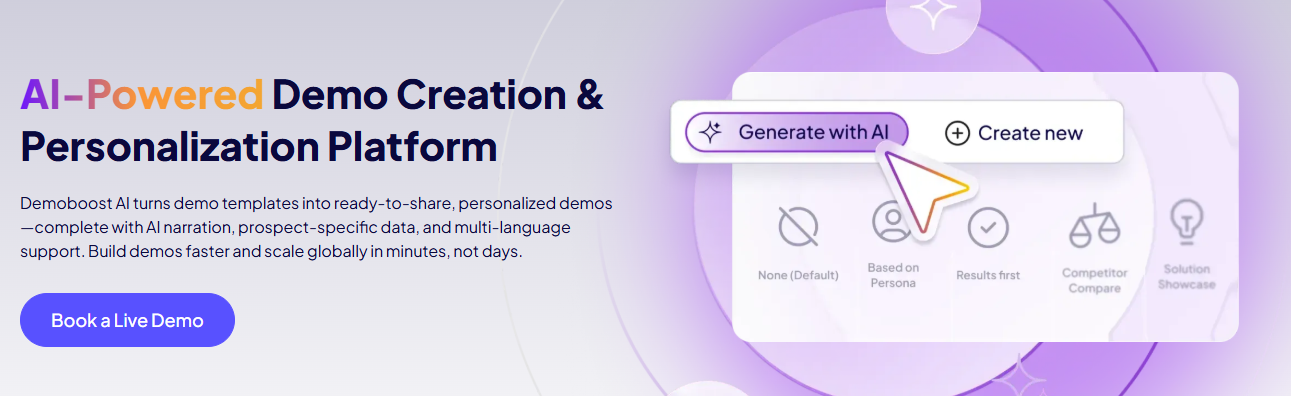
What it is: Rather than building from a blank canvas, a rep selects topics to cover and the persona they're selling to, and AI assembles a complete demo flow with personalized speaker notes and guides. The AI editing suite allows prompt-based customization of screen elements, guide text refinement to a specified tone or audience, AI-generated narration via avatar, and automatic translation into 170+ languages — all from a single governed template.
Pros
Persona and topic selection drives the demo build — reducing blank-canvas time to minutes rather than hours
AI Refine rewrites guide text to a specified tone, length, or audience without requiring the SE to rewrite manually
AI Graph and Data Editor allows KPIs, charts, and dashboards to be customized inside demo templates without maintaining separate demo environments
AI avatar narration produces professional walkthroughs without requiring the SE to record audio
170+ language translation from a single template removes localization as a bottleneck for global teams
Template governance keeps presales in control of the master demo while giving sales teams self-service personalization
Cons
Focuses on enhancing and personalizing existing templates rather than generating a full product demo from scratch
Speaker note and guide quality depend on the quality of the underlying template and specificity of persona/topic selection
AI narration and translation quality should be reviewed before use in high-stakes enterprise demos
Verified User
in Computer Software
Small-Business
(50 or fewer emp.)
"I'm blown away by the AI demo creation!"
What do you like best about Demoboost?
I got to try out the AI demo creation feature, and honestly, it's a
game changer. All I do is pick the topics I want to cover and who
I'm talking to, and in just a few minutes, I have a complete demo
flow with personalized, up-to-date speaker notes. It's pure magic!
What do you dislike about Demoboost?
Nothing so far—it's like having a shiny new tool in my sales kit.
I used to have to wait for the presales team to build my demos,
and sometimes that meant waiting even longer for them to be free
to present. Now, I can demo on my own, which really speeds up
my deals.
In practice:Celonis generates over 4,300 demo views per month through Demoboost, with prospects spending a median of 9 minutes per session — engagement depth that filtered unqualified leads out of the pipeline before they reached an SE.
Where most builder-side AI compresses annotation and production, Demoboost's AI operates at the strategy layer — assembling a persona-specific demo flow and speaker narrative rather than just polishing what was captured. The quality ceiling is determined by the template library behind it.
Arcade | Avery (Script and Production Editor)
What it is: A script and production editor embedded in Arcade's creation interface. Avery reads the content of each captured screen and generates captions, tooltip text, and voiceover script drafts. It removes dead air between clicks, suggests CTA placement, and generates what Arcade calls Page Morphing — AI transitions between screenshots that replace hard cuts with smooth visual movement.
Pros
Script View provides a document-style view of all demo text at once — making it possible to review and edit the full narrative in one place
Global tone application (promotional or educational) applied across the entire demo in a single pass, not per element
Page Morphing is technically distinctive — it makes screenshot-based demos feel less like slideshows
Voiceover regenerates only for affected steps when a change is made, leaving the rest of the demo intact
Cons
Generated text describes what's on screen and what the user did, not why it matters to the buyer — the 'so what' narrative still requires human editing
Entirely bounded by what was captured: it cannot generate screens that don't exist or fill gaps in a product workflow
No buyer-facing capability, no prospect-specific personalization, no analytics on how the demo performs once shared
No G2 data available for specific evaluation
A production tool, not a strategy tool. Script View and global tone application make demo-wide editing faster. But the AI generates descriptions of actions, not buyer-relevant narratives — the strategic layer still belongs to the SE.
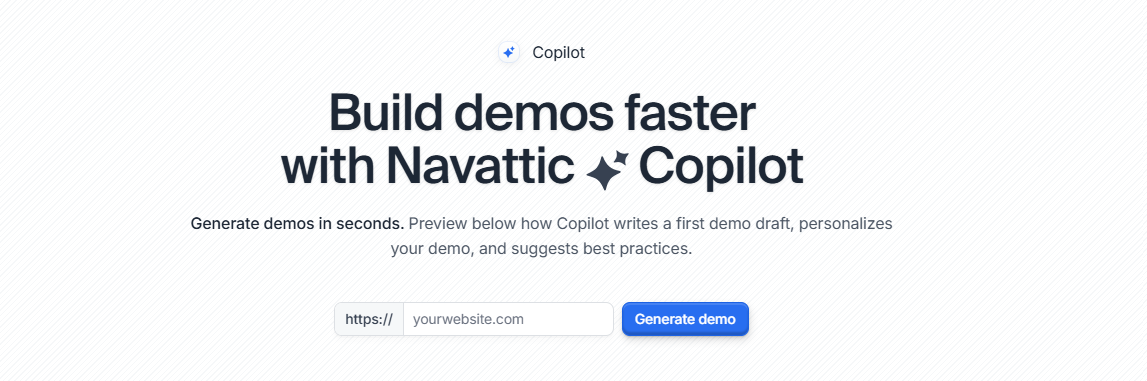
Navattic | AI Copilot (Builder-Side)
What it is: A pattern-matching capability that analyzes captured screens, identifies the likely demo flow type, and auto-builds hotspot suggestions and narrative structure based on patterns from high-performing demos across the Navattic platform. This is distinct from Navattic's Agent Demos product, which is a separate buyer-facing offering.
Pros
Reduces the blank-canvas problem for demo creators starting a new build
Pattern suggestions draw on aggregate platform intelligence rather than an organization's own internal knowledge
Speeds up hotspot placement and basic narrative sequencing
Cons
Suggestions are pattern-based, not prospect-specific — the AI identifies flow type, not what matters to this buyer
Requires meaningful human editing to produce a demo that tells a compelling, differentiated story
Conflating this with Navattic's Agent Demos product (a common mistake) leads to misunderstanding both
Ease of creation and flexibility most consistently cited as strengths.
Useful structural scaffolding for teams building at volume. Not a substitute for knowing what story to tell.
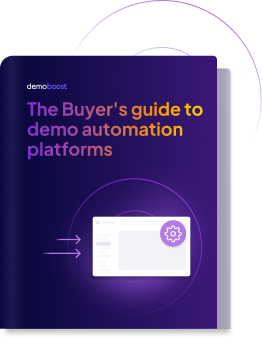
Free Download
Buyer's Guide to Demo Automation Platforms
The evaluation framework used by presales leaders to assess
the platforms in this article — covering the right questions
to ask, the criteria that matter, and how to pressure-test
vendor claims in a demo.
What can buyer-facing demo agents do — and what can't they?
LAYER 2 OF 3 — PROSPECT INTERACTION
Before walking through each platform, it's worth being precise about what distinguishes a buyer-facing agent from a buyer-facing chatbot. A chatbot responds to what a user asks — it retrieves and surfaces information reactively. An agent acts toward a goal — proactively, across multiple steps, using context it has built about the user's situation. By that definition, most of what the market is calling "demo agents" today are sophisticated chatbots. The distinction matters because it changes what you should expect from each tool in this section.
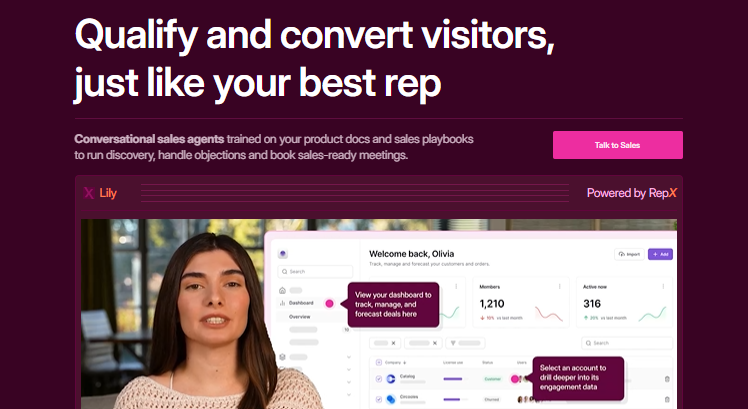
Storylane | RepX
What it is: A website-based chatbot with a video avatar interface, trained on playbooks, call recordings, and product documentation. A visitor types a question; the avatar responds and surfaces a relevant pre-built asset — a demo, PDF, video, or case study — from a library. It qualifies visitors against ICP criteria and books meetings. After each conversation, the rep receives a transcript and summary.
Pros
Demo matchmaking — selecting the most relevant pre-built demo for a visitor's stated use case — is faster than a rep manually navigating a library
Trained on your actual call recordings and playbooks, so responses reflect your real sales language
Smart alerts via Slack or CRM when high-intent visitors engage, with full context for the rep's warm handoff
Runs 24/7; rep enters the first conversation already briefed on what the visitor asked and what was shown
Cons
The 'voice' capability is an avatar that speaks to the visitor — the visitor interacts via text only; there is no voice input from the buyer's side
At its core this is a retrieval-based chatbot: it matches visitor questions to pre-existing assets; the demo itself is unchanged regardless of what the visitor says
Does not perform discovery in the SE sense — it responds to what visitors ask but does not proactively build a picture of the buyer's situation, role, pain points, or timeline
Quality is directly bounded by training data — sparse documentation produces thin, generic responses
Setup requires working through Storylane's team, not self-serve configuration
RepX is a newer addition; specific agent reviews are not yet separable from the overall platform rating.
A capable inbound qualification layer for high-volume teams with strong documentation. Not a replacement for SE-led demo interaction.
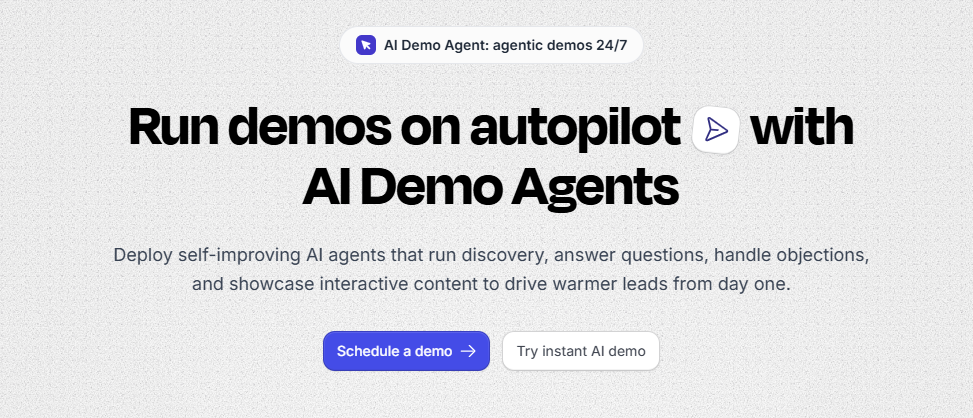
Supademo | AI Demo Agent
What it is: A conversational layer built on top of captured demo content. The agent answers buyer questions by surfacing approved assets — demos, videos, PDFs, diagrams — from a content library. It engages via text or voice, and generates a post-session summary including intent score, content engaged, knowledge gaps, and recommended next steps.
Pros
Surfaces relevant content dynamically rather than returning static knowledge base answers
Post-session summary gives the rep a structured briefing — intent score plus flagged gaps — not just a view notification
Multilingual support; useful for globally distributed teams
Conversation transcript available for rep review
Cons
Voice is output only — the agent speaks to the buyer, but the buyer interacts via text; there is no voice input from the buyer's side
The agent does not personalize the content of a demo — it selects which pre-built demo to surface, but the demo itself is unchanged; routing is not the same as personalization
Tip This distinction matters: routing is not the same as personalization, and the gap between "we showed you the relevant pre-built asset" and "we adapted the demo to your specific situation" is where the real personalization problem still sits unsolved.
Operates on captured demos, not live product — cannot demonstrate features that weren't recorded
Post-session data value depends on integration with downstream systems — intelligence that lives only in Supademo's dashboard requires the rep to log in separately
A solid buyer-facing layer for async demo distribution, with practical post-session handoff structure. Value ceiling is determined by the quality of the content library and integration with downstream systems.
Navattic | Agent Demos
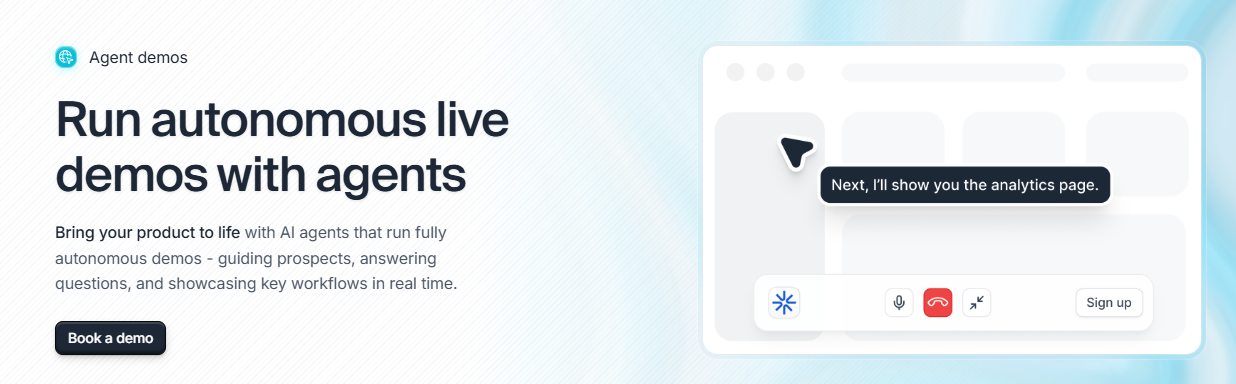
What it is: A separate product from Navattic's interactive demos. Autonomous AI agents that navigate the actual product in real time with prospects, without pre-scripted click paths. Agents are configured with product context, guardrails, and objectives. Agent performance is tracked separately: talk time, session transcripts, engagement data per agent.
Pros
Genuinely autonomous navigation — the agent responds to what a prospect actually asks, not a predetermined script
Guardrail configuration provides brand and scope control without eliminating conversational flexibility
Separate agent performance tracking treats the agent as a measurable sales motion, not just a feature toggle
Two-product architecture means each is purpose-built rather than the same tool doing two jobs
Cons
Distributes interactive demos only. Cannot surface supporting materials such as PDFs, case studies, or pricing documents alongside the demo
Operates on captured web copies of the product rather than a live production environment — relevant for products where live data or real environment behavior affects buyer trust
Newer product — practitioner review base specific to Agent Demos is not yet separable from platform track record
Autonomous navigation introduces unpredictability — guardrails mitigate but do not eliminate the possibility of the agent going somewhere unintended
Very high satisfaction distribution in the category at 87% five-star.
The most technically credible autonomous buyer-facing agent in the category for live product navigation. The risk is configuration quality and the relative maturity of this product line.
Consensus | AI Demo Assistant (via Peel Acquisition)
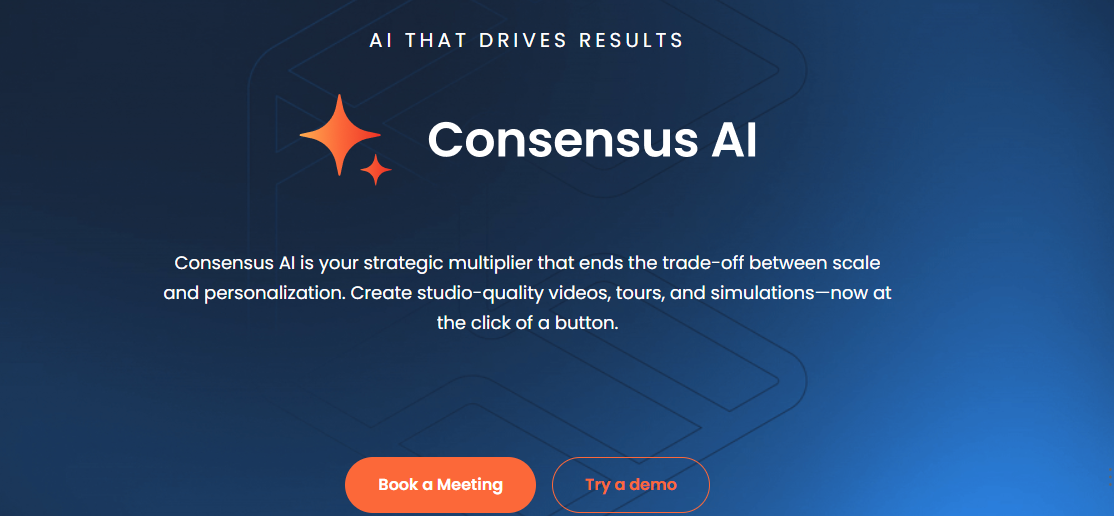
What it is: A conversational layer acquired through the Peel acquisition. Allows buyers to ask questions and the agent navigates directly to the relevant demo screen rather than returning a text answer. Sits within a broader AI platform covering creation, data simulations, and analytics (Demolytics stakeholder tracking).
Pros
Screen navigation on request is more useful than a knowledge base response for technical product questions
Demolytics tracks which members of the buying committee watched which sections, for how many seconds, and whether they shared the demo internally
One enterprise BDR described being able to see exactly which video segments a prospect watched and using that as a 'temperature check' before picking up the phone — concrete intent signal, no follow-up email required
Broad platform: creation, delivery, and analytics are connected rather than siloed
Cons
The buyer-facing chat agent navigates existing demo content — it does not navigate a live product
Building demo boards is consistently described as time-consuming on G2: "quite time-consuming when you need to move quickly" — a real friction point for fast-moving sales cycles
Analytics strength comes with a dependency: the built-in reporting isn't sufficient to act on without the Salesforce integration
A mid-market AE (G2 reviewer) noted wished the analytics went deeper: more granular step-by-step engagement insights, they noted, would make follow-ups significantly more precise
The largest review base in the category. Engagement analytics most consistently cited as primary value. Setup complexity and time-to-useful-demos most consistently cited as friction.
Consensus has grown significantly through acquisition — ReachSuite (September 2024), Peel (April 2026), and a partnership with Opine (March 2026). The result is a broad platform with genuine depth in engagement analytics, but one where each layer was built or acquired separately rather than designed as a whole. Whether the acquired pieces feel cohesive in day-to-day use is the right question to pressure-test in any evaluation.
Want to see where Demoboost fits in this landscape?
Create and deliver interactive product demos that help B2B revenue teams engage buyers and shorten sales cycles.
How does AI handle demo data and environment personalization?
Saleo | Live Data Injection
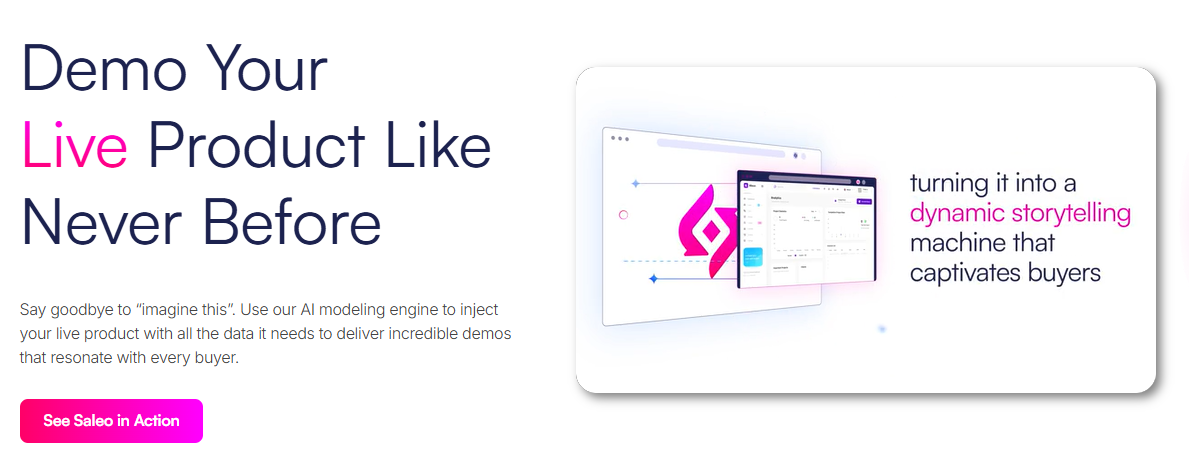
What it is: A browser extension that operates on live production environments — not captured screenshots. AI-driven contextual modeling replaces data across the entire application in real time: change a company name and the associated logo, revenue figures, employee count, and industry-specific metrics update simultaneously to remain logically consistent.
Pros
Operates on the real product — not captures, not clones — prospects see actual product behavior
Contextual modeling is technically differentiated: data changes propagate logically across related fields, not just textually at the surface
Scenario switching mid-call works live, without breaking the experience
For products where 'it looks different in production' is a live buyer objection, this directly addresses the trust problem
Cons
Implementation is a multi-month project — setup averages around two months in practitioner reports
Rep adoption requires genuine investment: as one G2 reviewer noted, "Rep adoption takes time — invest in the right people to train and have a go-to person to answer questions for the team"
Rendering errors and synchronization issues appear in 13 mentions across 210 reviews — meaningful for a tool used in live demo situations
Scope is bounded by the existing product: it personalizes what's there, it cannot create screens that don't exist
The highest per-review rating in the group. Customization flexibility is the dominant praise. Implementation complexity and rendering reliability are the documented friction.
Technically the most sophisticated live personalization capability in the market, with the highest satisfaction scores and the highest implementation cost. Right for enterprise teams running high-volume SE-led demos where live accuracy is a material trust signal. Wrong as a quick-start or low-resource deployment.
Reprise | Data Studio + AI Dataset Assistant
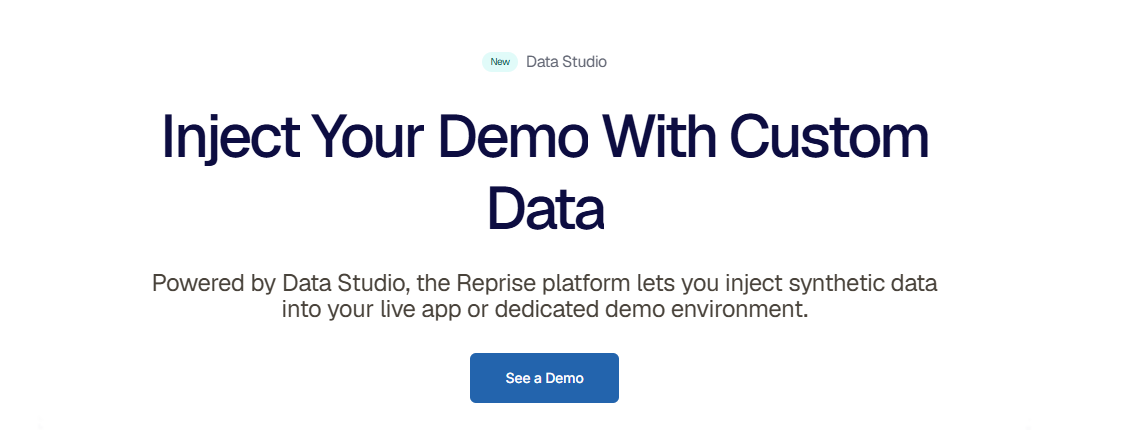
What it is: A dataset management tool within Reprise's sandbox clone platform. AI in Data Studio allows teams to create and modify demo datasets through natural language prompts — "Change industry to Marketing, fill all blanks, give it an upward trend" — rather than manual data entry. The platform creates a replica of the product rather than operating on live environments.
Pros
Natural language dataset editing removes significant manual data entry work, particularly for teams maintaining multiple vertical-specific datasets
Sandbox cloning means demos don't break when the real product updates — reliability is the platform's core value
Scales across large presales organizations: consistent demo delivery without per-rep SE involvement
Cons
Analytics depth is a documented gap across multiple G2 reviews: one staff product manager noted directly that "analytics could be more robust to provide deeper insights into user interactions"
Maintenance is a significant operational burden when the product interface changes: because Reprise captures the product UI at a point in time, any meaningful change to the real product requires rebuilding the captured demo, and data templates along with it. G2 reviewers describe this as a recurring friction point, with some noting that editing a guide can cause it to disappear and require recreation from scratch
Learning curve is real and consistently flagged: "It can be quite tedious to build reusable demos, especially anything long or complex"
Off-script rigidity is documented: one G2 reviewer noted it is "hard to answer one-off questions" with a Reprise demo
One senior director described actively evaluating a second platform specifically to fill the top-of-funnel tracking gap that Reprise doesn't address
The lowest rating in the group evaluated. Reliability and scale consistently praised. Analytics weakness, learning curve, and off-script rigidity consistently flagged.
Strong infrastructure for large-scale demo programs that prioritize consistency and reliability. The AI dataset capability is a genuine workflow accelerant. The analytics gap is real and documented by Reprise's own customer base — teams who need demo engagement to connect to pipeline intelligence will require a second tool.
Olto | Magic Mode
What it is: An entity resolution system rather than a conversational agent. AI identifies every data entity in the demo — names, prices, logos, chart values, table entries — and replaces them globally across the entire experience in one operation. Demos can be generated from a prospect's company URL or directly from Salesforce or HubSpot opportunity records.
Pros
Global entity replacement eliminates manual find-and-replace across multiple screens
URL-to-demo and CRM-to-demo generation connect personalization directly to pipeline without manual demo building per opportunity
Technically distinctive approach to a real problem
Cons
Newer platform with less established enterprise track record
Entity resolution quality depends on how cleanly the AI identifies and categorizes data entities in each specific product UI — complex interfaces may produce inconsistencies
No live environment capability — operates on captured demos only
No G2 data available for specific evaluation
An interesting approach to pipeline-connected demo personalization at volume. Requires careful evaluation of entity resolution accuracy in your specific product environment before committing.
No buyer-facing agent; intelligence layer in active development
Arcade (Avery)
Builder
Caption/transition generation
Production speed
No buyer-facing or analytics capability
Navattic Copilot
Builder
Pattern-based structure suggestions
Structural scaffolding at volume
Not prospect-specific
Storylane (RepX)
Buyer-facing
Inbound qualification agent
Qualified lead generation
Narrow scope; training-dependent
Supademo
Buyer-facing
Content-surfacing conversational agent
Post-session intelligence
Bounded by captured content
Navattic Agent Demos
Buyer-facing
Autonomous live product navigation
Genuine autonomy with guardrails
Newer; configuration-dependent
Consensus (Peel)
Buyer-facing
Screen navigation + Demolytics
Stakeholder engagement analytics
Chat agent thin; analytics needs Salesforce
Saleo
Data/Environment
Live contextual data injection
Live accuracy; scenario switching
2-month setup; rendering issues
Reprise Data Studio
Data/Environment
AI dataset management in sandbox
Reliability and scale
Analytics gap; off-script rigidity
Olto
Data/Environment
Entity resolution + CRM generation
Pipeline-connected personalization
Newer; enterprise track record limited
What problems is AI still not solving in demo automation?
Reading across the full landscape, a structural pattern emerges that no single platform has solved.
Every vendor is investing in the same layer: getting the right demo to the right buyer faster. Better creation tools. More responsive agents. More sophisticated data personalization. These are real improvements and they matter.
What none of them has fully built is the intelligence layer — converting what happens during and after a demo into specific, rep-actionable signal connected to deal outcomes.
The most common misconception worth addressing first: AI does not generate demos. Every platform in this map — without exception — requires a human to manually capture screens before any AI can work with them. What AI does is accelerate what happens after the capture: structuring, annotating, personalizing, and distributing. The generation step remains manual. Vendors who imply otherwise are describing a capability that does not yet exist in production.
On the intelligence side, the picture is similar. G2 practitioners using the most analytics-capable platforms in this category describe a consistent frustration: the data exists but doesn't drive action automatically. The pattern is the same across the category — engagement data is visible, but the last mile from data to rep action remains a manual step.
One senior director at an enterprise company described actively evaluating a second tool specifically to cover the top-of-funnel tracking gap their current platform doesn't address. The result is that demo engagement data and pipeline intelligence still live in separate systems — connected by integration work rather than by design.
A newer architectural direction is emerging: some platforms are beginning to expose their demo analytics through LLM-compatible protocols, allowing sales leaders to query engagement data directly through tools like Claude or ChatGPT — asking "what's our best-converting demo for enterprise accounts?" without logging into a separate dashboard. Whether the underlying analytics are deep enough to make those answers genuinely useful is the right follow-up question to ask any vendor claiming this capability.
Three questions come up consistently when presales teams evaluate this category:
What are the limitations of AI in demo automation?
What problems is AI still not solving in demo software?
Which parts of the demo workflow has AI not yet automated?
The honest answer to all three: what AI has not yet solved is turning engagement data into a specific next action for the rep — natively, without a separate integration, without a second tool. The teams who ask that question in a vendor evaluation, and press for a specific answer, will make a better purchase than those who don't. It is also the question that shapes what comes next in this series.
Want an evaluation framework that goes alongside this analysis?
The Buyer's Guide to Demo Automation Platforms covers how to structure an evaluation, the criteria worth weighting, and the questions worth asking each of the vendors in this article — including the ones on the intelligence gap.
What is the difference between a demo AI agent and a demo chatbot?
A chatbot responds to what a user asks — it retrieves content reactively. A true AI agent acts toward a goal: proactively, across multiple steps, using context it has built about the user's situation. Most tools currently marketed as "demo AI agents" are sophisticated chatbots — they surface pre-built content based on what a visitor asks, but do not proactively discover buyer needs or adapt demo content based on inferred context.
Can AI generate interactive demos automatically?
No. Every demo platform on the market today requires a human to manually capture product screens before any AI can work with them. What AI does is accelerate what happens after capture — structuring, annotating, personalizing, and distributing. Vendors who imply AI can generate demos from scratch are describing a capability that does not yet exist in production.
What does Demoboost's AI actually do?
Demoboost's AI operates at the strategy layer of demo creation. A rep selects topics and the persona they're selling to, and AI assembles a complete demo flow with personalized speaker notes and guides — without starting from scratch. It also handles guide text refinement, AI avatar narration, and translation into 170+ languages from a single governed template. GuideCX increased prospect engagement 10x and reached 35,000+ monthly demo views using three Demoboost demos on their website, without adding headcount.
How does AI personalization in demo software actually work?
Most "AI personalization" in demo software today means substituting variable text fields — company name, industry label, a few data points. The more sophisticated implementations understand relationships between data points, so changing a company name also updates associated revenue figures, employee count, and sector-specific metrics simultaneously. True personalization — where the demo flow and emphasis genuinely change based on who's watching — still requires human judgment to configure, even if AI executes it at scale.
Which demo platform has the best AI analytics?
Consensus has the most developed engagement analytics layer (Demolytics), tracking which members of a buying committee watched which sections and for how long. However, its built-in reporting requires a Salesforce integration to be fully actionable. Demoboost's analytics layer tracks engagement at the lead level and is in active development. Reprise's analytics are the most consistently flagged gap in its G2 reviews.
What parts of the demo workflow has AI not yet automated?
Screen capture remains entirely manual across every platform. Narrative construction — the strategic reasoning that makes a demo compelling for a specific buyer — still requires human authorship. And the intelligence layer — converting post-demo engagement data into a specific next action for the rep, natively, without a second tool or integration — remains unsolved across the category.
Aleksandra combines creativity and data-driven strategy to amplify Demoboost’s presence in the SaaS and presales space. She bridges storytelling with actionable insights, crafting campaigns that highlight the real value behind demos and customer experiences. Passionate about emerging trends and authentic communication, Aleksandra drives engagement, awareness, and growth for the Demoboost community.
Get sales tips and strategies delivered straight to your inbox.
Learn how interactive software demos can showcase your product in all its glory.
Join the demo experience revolution
Demos have come a long way from the traditional product demo video consumers were once familiar with. Learn how interactive software demos can showcase your product in all its glory, revolutionizing the way you sell and transforming the way your customers buy.


.png)
.png)

.png)
.png)
.png)

%20(1).jpg)
.png)

.png)



.png)
.png)
