.png)
Learn how presales is evolving and howyour team can stay ahead in atech-driven sales landscape.

According to Salesforce's State of Sales report, sellers spend less than 30% of their time actually selling. The rest disappears into manual demo prep, research, data entry, and follow-up. This article maps exactly where AI gives that time back today, task by task, with prompts you can use immediately and honest limits on where AI still falls short.
No vendor comparison here. No category analysis. Just the six tasks that eat most of a presales week, and what genuinely works for each one right now.
The honest answer: research synthesis, first-draft writing, and structured data generation. AI is not yet good at live objection handling, reading a room, or deciding which features matter most to a specific buyer without being told. Part one of this series covers this distinction in more depth across demo creation generally. This article applies it to the specific tasks that fill a presales week.
Before a discovery call, a presales professional needs to understand the prospect's business, their likely pain points, who's in the room, and what to ask. This research often gets compressed into a rushed 15 minutes before the call.
What works: Feed an AI tool the prospect's LinkedIn page, their company's About page, recent news, and any G2 reviews of tools they currently use, then ask it to generate three likely pain points based on their tech stack and industry, five discovery questions tailored to those pain points, and the single most important thing to establish in the first ten minutes.
A prompt that works: "You are a senior solutions engineer preparing for a discovery call with [company]. Based on the following information, identify their top three likely operational challenges and the specific questions most likely to surface them in the first ten minutes of the call."
What it can't do: Replace the vertical-specific judgment an SE builds over years of selling into a particular industry. AI gives a fast starting point. The SE decides what's actually relevant.
Realistic time saved: 20 to 40 minutes per call.
Turning a product capability into a story that resonates with a specific buyer is harder than it sounds, especially under time pressure.
What works: Load a transcribed discovery call into an AI tool with a long context window and ask it to identify the three moments where the prospect's engagement was clearly highest, including their exact words and what triggered the reaction. Use those moments as the spine of the demo narrative rather than building a generic feature tour.
A prompt that works: "Here is a transcript of a discovery call with a [role] at a [industry] company. Identify the three moments where their engagement was highest, and draft a demo narrative that opens with the problem they described and ends with the resolution."
What it can't do: Know which features are genuinely ready to demo today, which have known issues, or which your customer success team has flagged. Product knowledge stays with the SE.
Realistic time saved: 1 to 3 hours per tailored demo. Spryker's presales team cut their build time by 93% after combining this kind of structured scripting approach with a demo platform built for reuse, a result their CRO Edmund Frey credited to the discipline of building a narrative rather than rebuilding from scratch every time.
Knowing the questions that are coming, and the ones you don't expect, is most of what separates a confident SE from one who's caught off guard.
What works: Feed an AI tool your product documentation and a handful of recent call transcripts, then ask for the five most common technical objections to a specific feature and the most effective response to each. For a high-stakes call, ask the AI to play a skeptical buyer and push back on your positioning before you're in the room.
A prompt that works: "Play the role of a [Buying Persona] who is skeptical that this [- feature] is overstated. Ask me the ten hardest questions about [feature] and respond to each of my answers by telling me what was convincing and what wasn't."
What it can't do: Handle a live objection with the nuance of reading the room. This is prep work, not a substitute for the SE in the meeting.
Realistic time saved: 30 to 60 minutes per high-stakes demo.
Making a demo feel built for a specific company, rather than a generic walkthrough, is one of the highest-leverage things a presales team can do, and one of the most time-consuming if done manually.
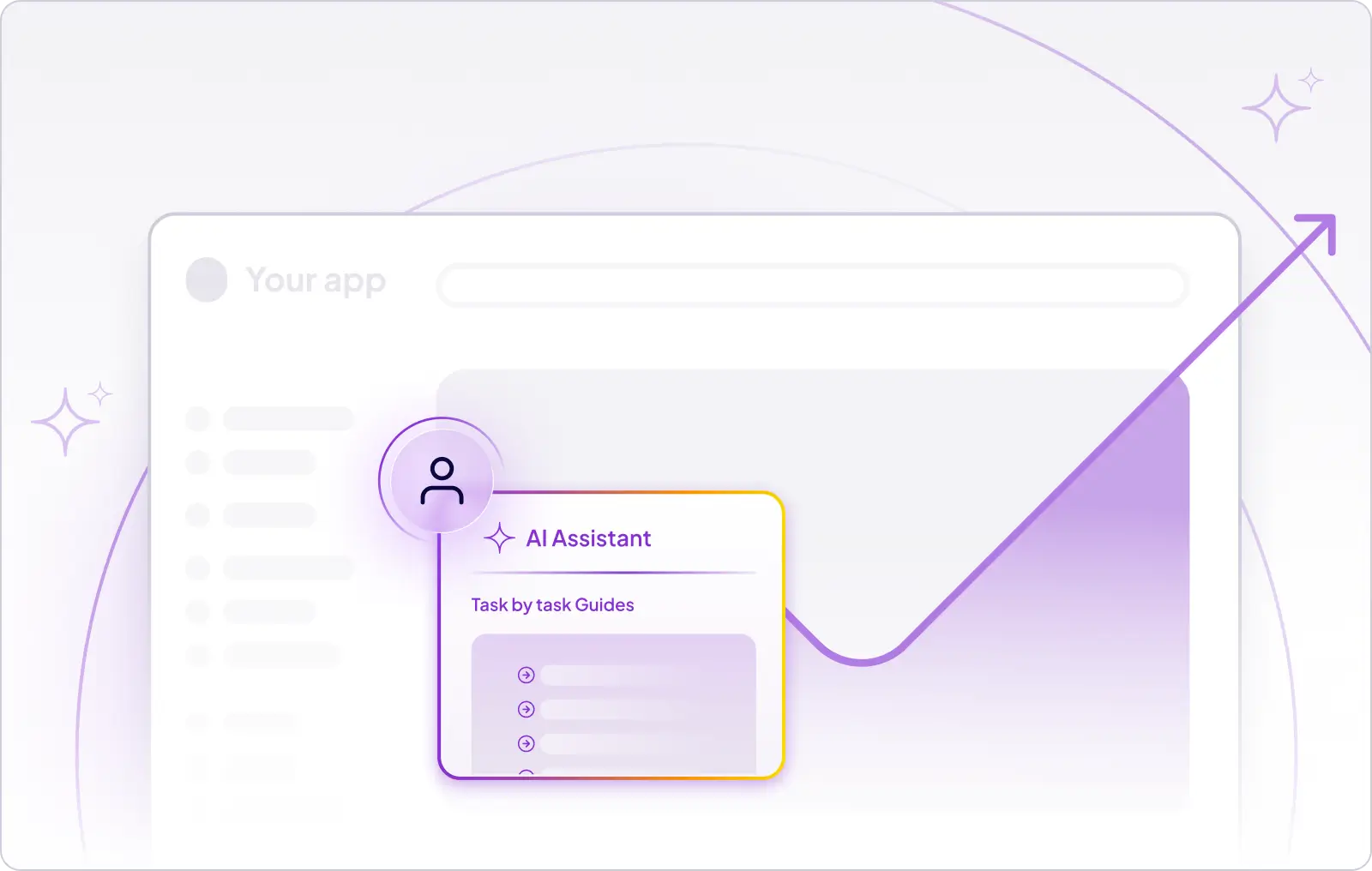
What works: Use AI to draft realistic, industry-specific demo content: sample KPIs, dashboard labels, persona-specific copy, or scenario data, then bring that into a governed demo template. In Demoboost, AI editing tools can help refine guide text for a specific tone or persona, customize charts and KPIs through the AI Graph & Data Editor, localize demo content, and generate avatar narration without rebuilding the demo from scratch.
What it can't do: Decide on its own what to show a specific buyer or inject data into your actual demo environment without a platform built to do that. AI accelerates the content decisions. The platform and the SE still decide what gets built.
Realistic time saved: 45 to 90 minutes per personalized demo. Cisive's presales team described work that used to take multiple people several days now getting done in under a day, freeing the team to focus on discovery and strategy instead of manual rebuilding.
The follow-up email most SEs send the next day, and most prospects never read, is one of the easiest things to fix with AI.
What works: Use a transcript or detailed notes from the demo to generate a follow-up that references exactly what the prospect asked, what was shown, and what's still open, rather than a generic "great to connect" message.
A prompt that works: "Based on this demo transcript, write a follow-up email from the SE to the buying committee that summarizes the three capabilities they responded to most positively, addresses the two open questions that weren't fully answered, and proposes one specific next step."
What it can't do: Capture what happened in the room that wasn't said out loud, the body language, the side conversation a champion had with their CTO, the moment someone's attention drifted. That read still belongs to the SE.
Realistic time saved: 20 to 40 minutes per deal. GuideCX credits this kind of fast turnaround for keeping their sales team moving, noting that quick customization support helps them "move fast enough to keep our sales team happy."
The presales professionals getting consistent value from AI aren't the ones trying the most tools. They're the ones who've built a small set of prompts that work for their most common tasks and refine them over time.
What works: Build a personal prompt library with the 6 to 8 prompts that cover your most repeated tasks, pre-call research, objection prep, follow-up drafting, and keep refining them as you learn what produces useful output. Build a discovery question bank organized by industry and persona that you update as patterns emerge. Periodically review your own win and loss summaries and ask an AI tool what patterns show up in wins that don't show up in losses.
The honest note: Building this takes an upfront investment of 3 to 5 hours, and most SEs skip it because the next deal always feels more urgent than the system. The ones who build it report it pays back within two to three weeks.
None of this replaces good presales judgment. A great SE still decides what story to tell, which features matter to a specific buyer, and how to read a room that AI can't see into. What changes is how much of the week gets eaten by the work around those decisions, the research, the first draft, the data entry, the follow-up that never quite gets the attention it deserves.
The presales teams getting real value from AI right now aren't the ones using the most tools. They're the ones who picked two or three tasks that eat the most time in their week and built a disciplined, repeatable workflow around exactly those tasks. One prompt that consistently saves 30 minutes of pre-call research is worth more than ten tools used occasionally.
.png)
1. What tasks can AI actually handle in presales today?
AI is genuinely useful for pre-call research synthesis, drafting demo scripts from call transcripts, generating synthetic data for personalized demos, stress-testing objection responses, and writing specific, evidence-based follow-up emails. It is not yet reliable for live objection handling or deciding what to demo without human input.
2. Can AI replace presales discovery calls?
No. AI can help prepare for a discovery call by generating likely pain points and questions in advance, but it cannot read a room, build trust, or adapt in real time the way a human conversation requires.
3. What's a good AI prompt for demo prep?
A useful starting prompt is asking AI to act as a senior solutions engineer preparing for a call with a named company, then providing research material and asking it to identify the top three likely challenges and the discovery questions most likely to surface them.
4. How much time can AI actually save a presales team?
Based on task-by-task estimates, AI realistically saves 20 minutes to 3 hours depending on the task, with the largest gains in demo scripting and personalization. The bigger gain comes from compounding several of these savings consistently across a full week of deals.
5. Can ChatGPT or Claude write a full demo script?
They can write a strong first draft of a demo narrative, especially when fed a call transcript and asked to build around the moments where a prospect's engagement was highest. The SE still needs to verify which features are demo-ready and adjust for nuance the AI can't see.
6. Does AI personalization work for enterprise accounts?
AI can generate realistic, industry-specific data and persona-appropriate copy quickly, which is useful at any deal size. What it cannot do is decide on its own which features matter most to a specific enterprise buyer. That judgment still comes from the SE and from research grounded in the account itself.
7. What can't AI do yet in presales?
It cannot handle live objections with the nuance of reading a room, capture what happened in a meeting that wasn't said out loud, or decide what story to tell a specific buyer without being given the relevant context first.
8. How does Demoboost's AI fit into a presales workflow?
Inside a governed demo template, Demoboost AI helps teams turn existing demo assets into personalized buyer-ready demos. It can refine guide text, adapt messaging by persona or industry, customize charts and KPIs, localize content into 170+ languages, and generate avatar narration. It works best as the production and personalization layer after the SE has decided the story, buyer context, and use case.
Book a live demo to see how Demoboost helps your team cut demo prep time, qualify buyers faster, and focus on real opportunities.
Book a Live Demo

.png)
.png)
