If this editor looks unfamiliar, you're likely using the previous version.
Access the right documentation by clicking on the button.
Effortlessly kickstart your journey with our beginner-friendly guides!
1. Managing Your Notifications
Notifications are not mandatory. You have full control over when and how you receive alerts
To enable e-mail notifications navigate to your Settings panel. From here, you can toggle notifications On or Off.
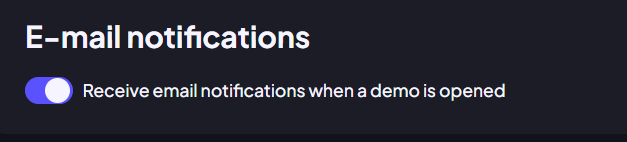
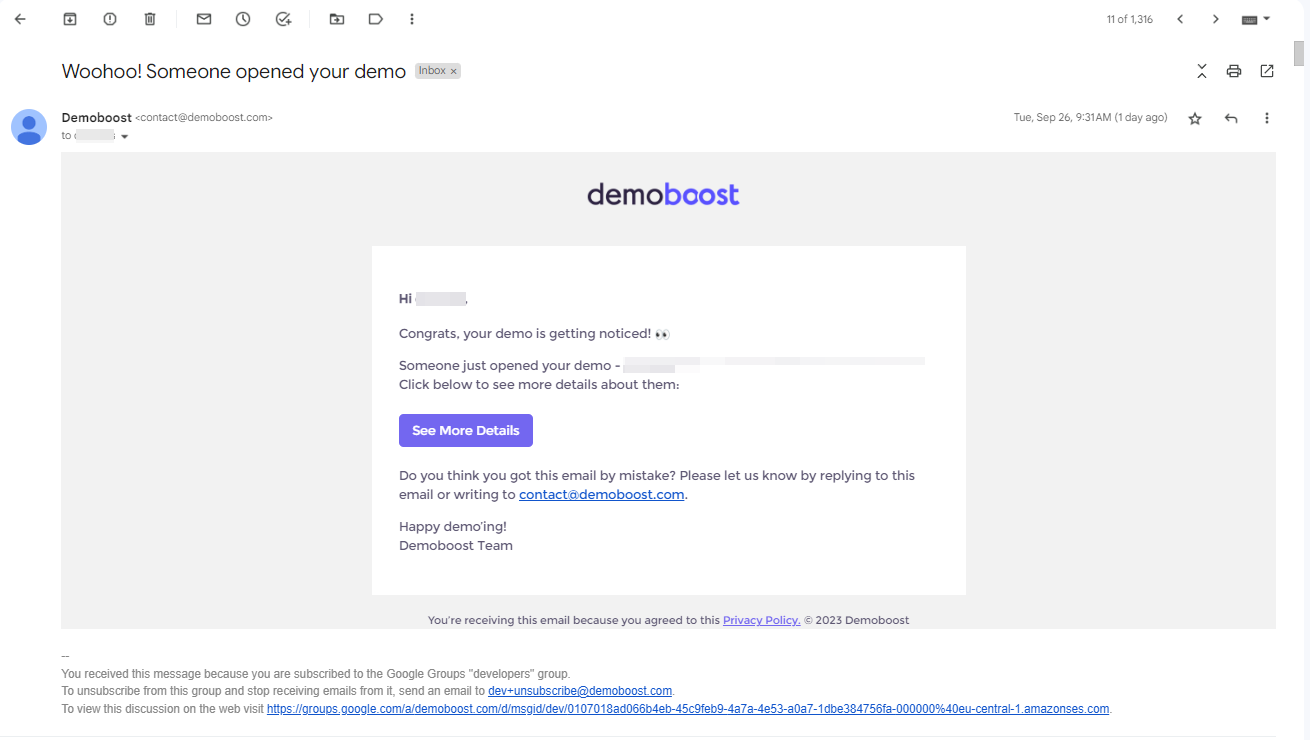
When enabled, you will receive an email notification every time a viewer opens your demo link.
2. Unique Links
Notifications are tied to Demo Ownership. When you create a unique link for a specific prospect, Demoboost knows that you are the owner.
If you send a unique link to a prospect and they share it internally with their colleagues, you (the owner) will receive a notification for every new view. This is a great way to identify "dark funnel" stakeholders who are viewing your demo behind the scenes.
3. Best Practices
3.1 Website Demos
A common challenge occurs when you embed a demo on your website (e.g., your homepage or a landing page). Because these demos can get hundreds or thousands of views, receiving an email for every single hit can quickly overwhelm your inbox.
To keep your personal inbox clean while still tracking website traffic, we recommend:
- Create a separate user in Demoboost (e.g., marketing@acme.com)
- Generate the embed code using this separate user account.
This setup ensures your personal notifications remain reserved for your direct sales outreach, while your website data is managed separately.
3.2 Slack Integration
Since the notifications are sent via email, you can integrate them with other communication channels that support email forwarding. Here's an example for Slack: https://slack.com/help/articles/206819278-Send-emails-to-Slack