If this editor looks unfamiliar, you're likely using the previous version.
Access the right documentation by clicking on the button.
Effortlessly kickstart your journey with our beginner-friendly guides!
From the extension:
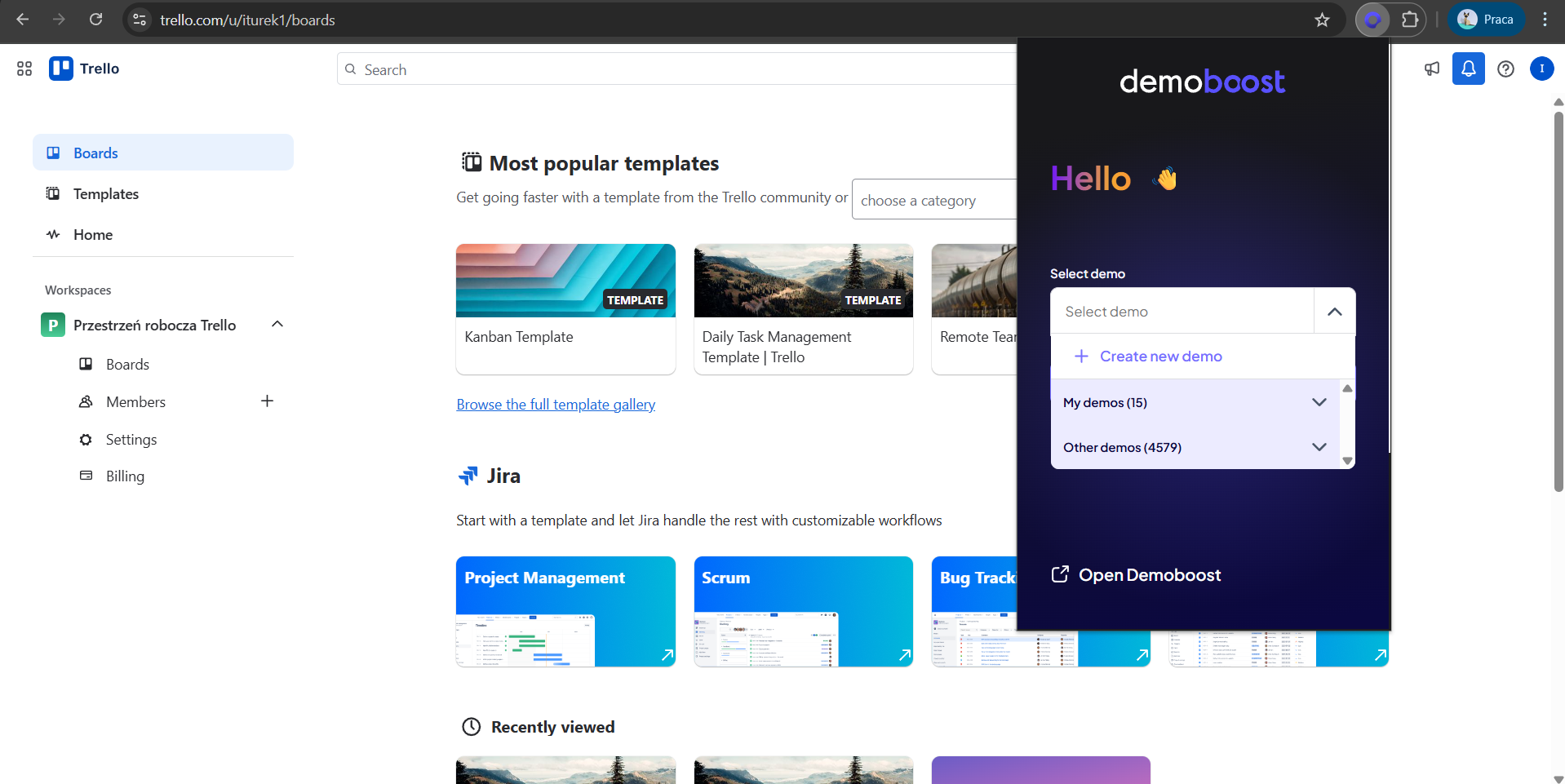
Step 1: Open up the extension. Click on ‘Create a new demo'.
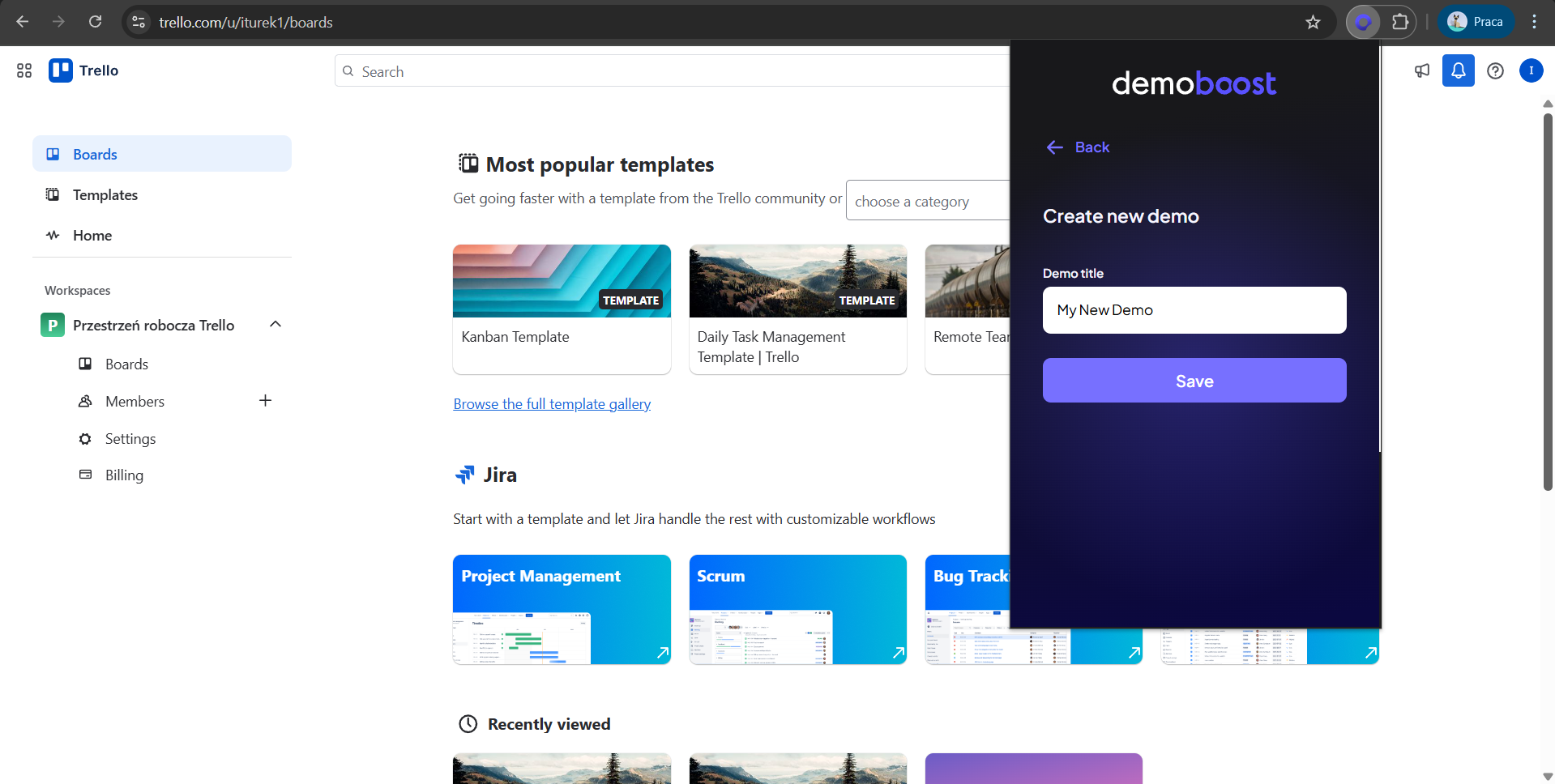
Step 2: Name your new demo and click on Save.
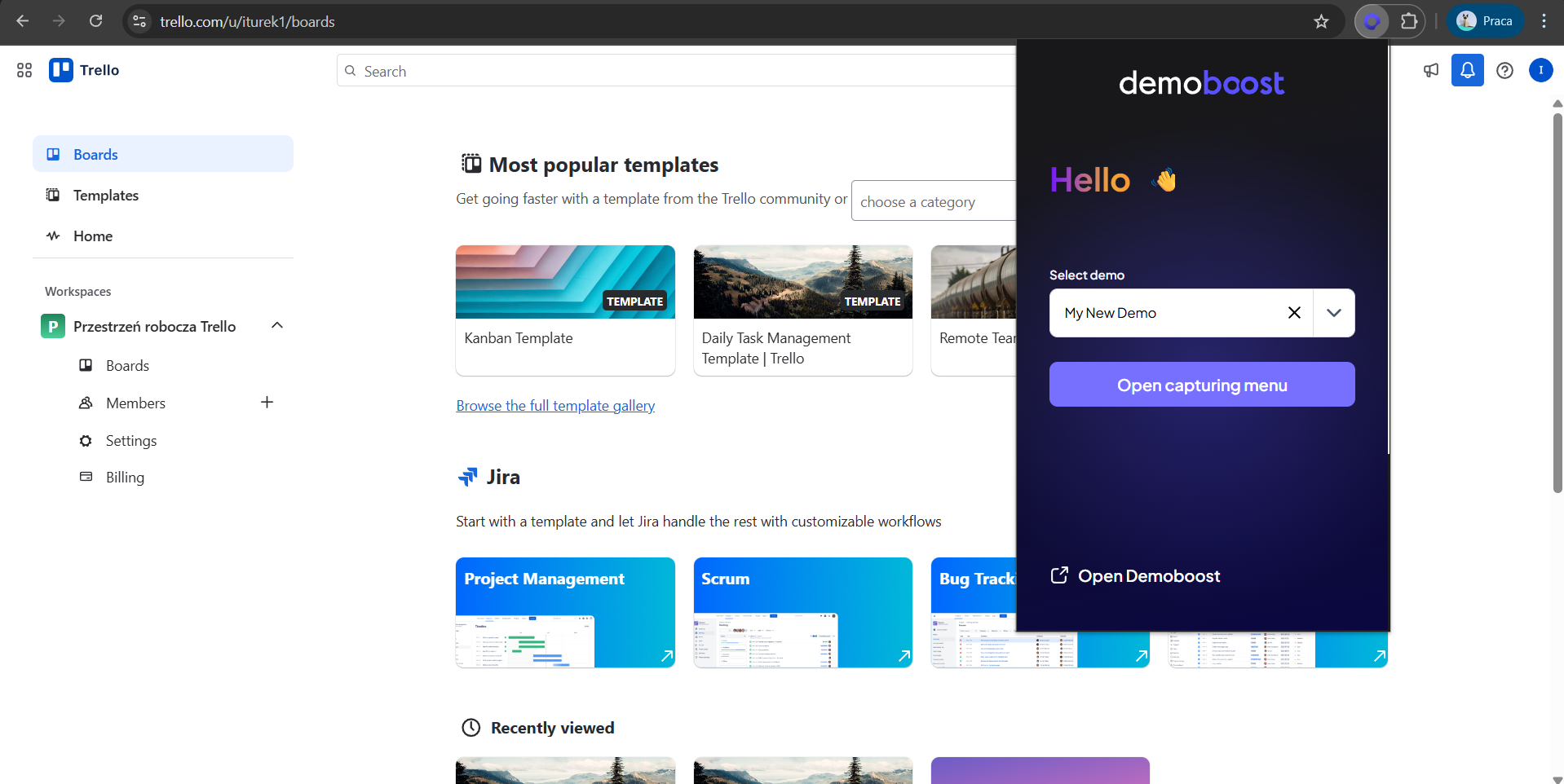
Step 3: Your demo has been created and is available in the platform, click on ‘open capturing menu;’ if you want to proceed with adding screens to it.
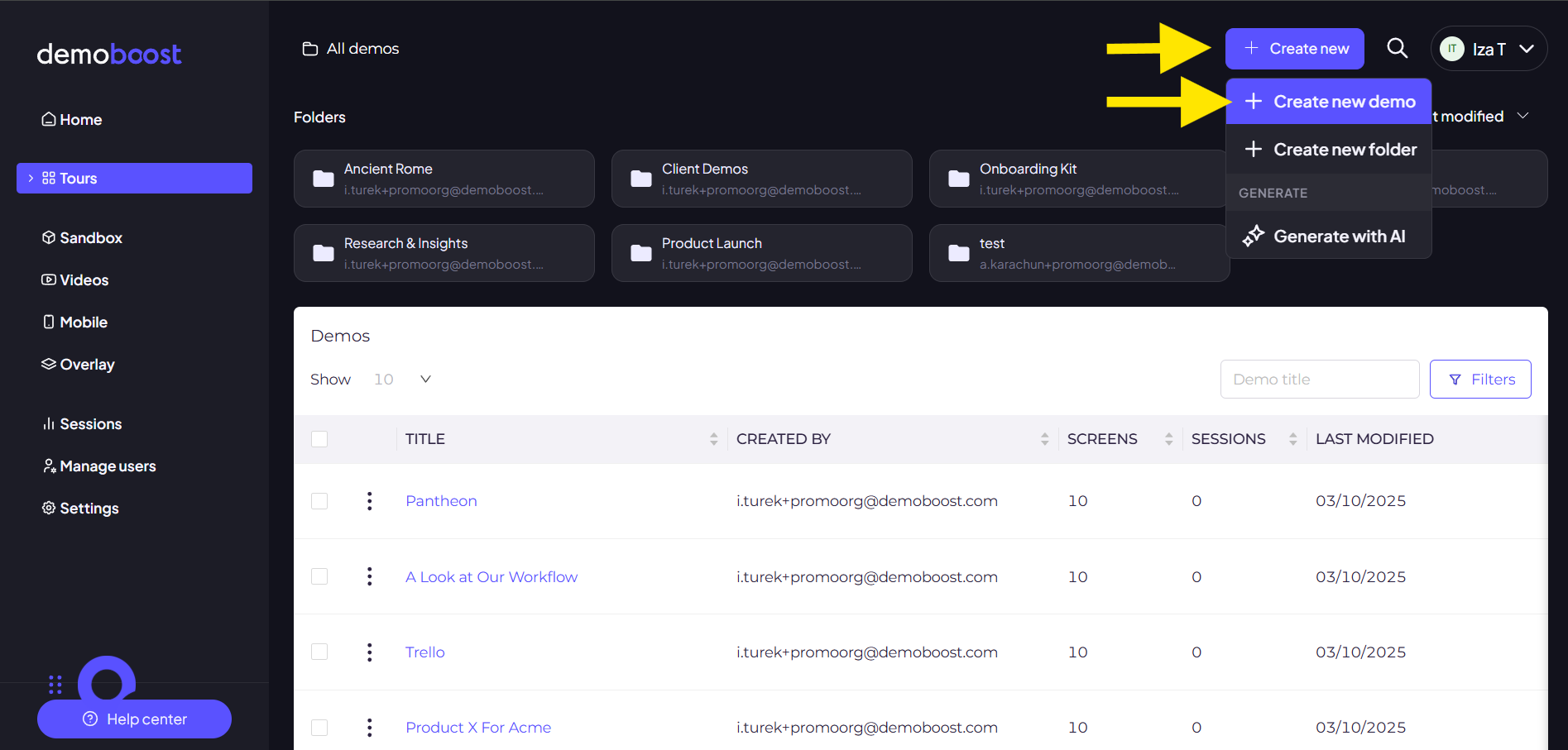
From the demos page.
Step 4: click on ‘Create new’ in the top-right corner and click on create a demo.
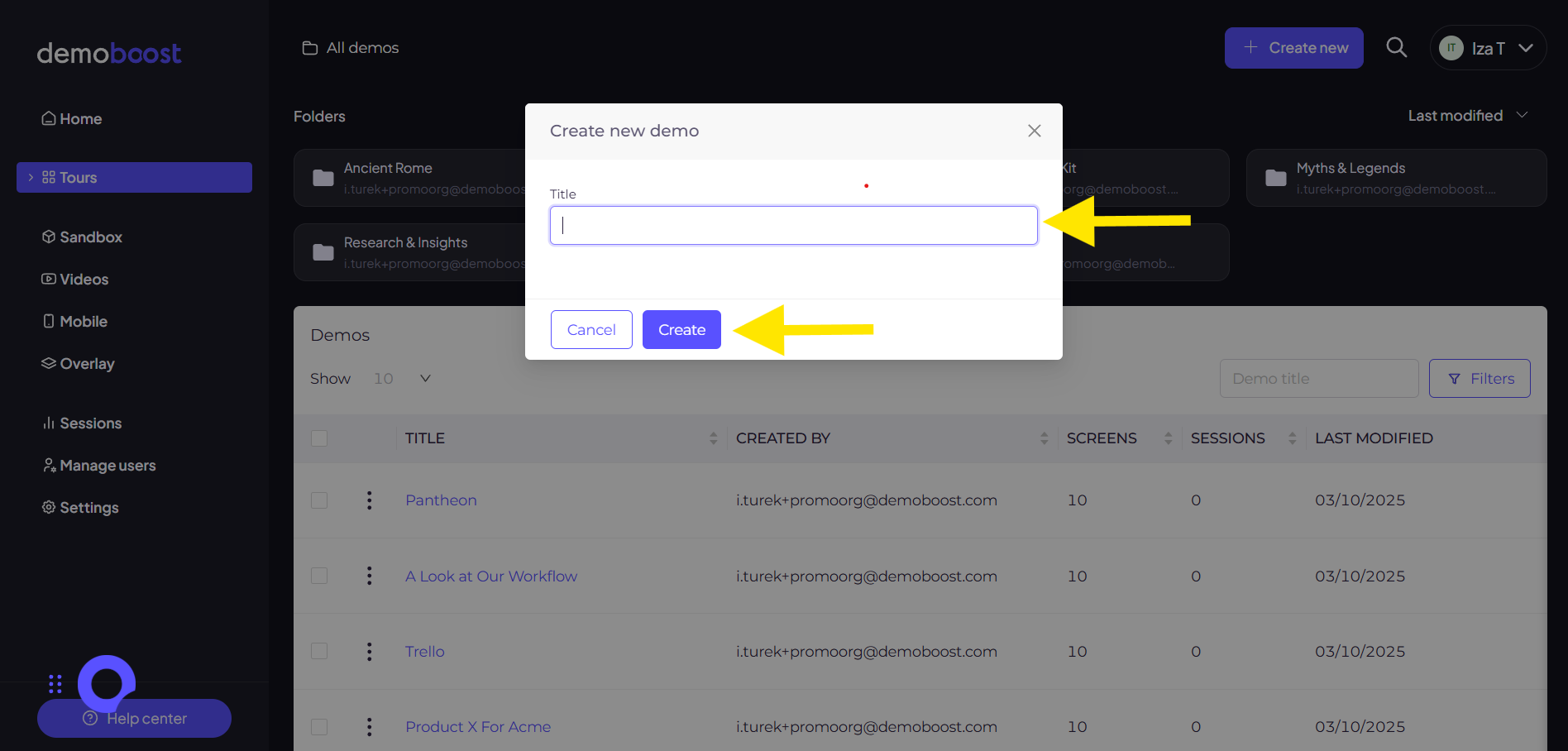
Step 5: Name your demo and click on Create.
Step 6: Your demo is now created.
Looking to create a demo for your mobile product as well? Check out the Creating Mobile App Demos article.