If this editor looks unfamiliar, you're likely using the previous version.
Access the right documentation by clicking on the button.
This customizable template allows you to summarize the prospect's project details — challenges, requirements, and goals — and reuse them throughout the sales cycle to maintain alignment.
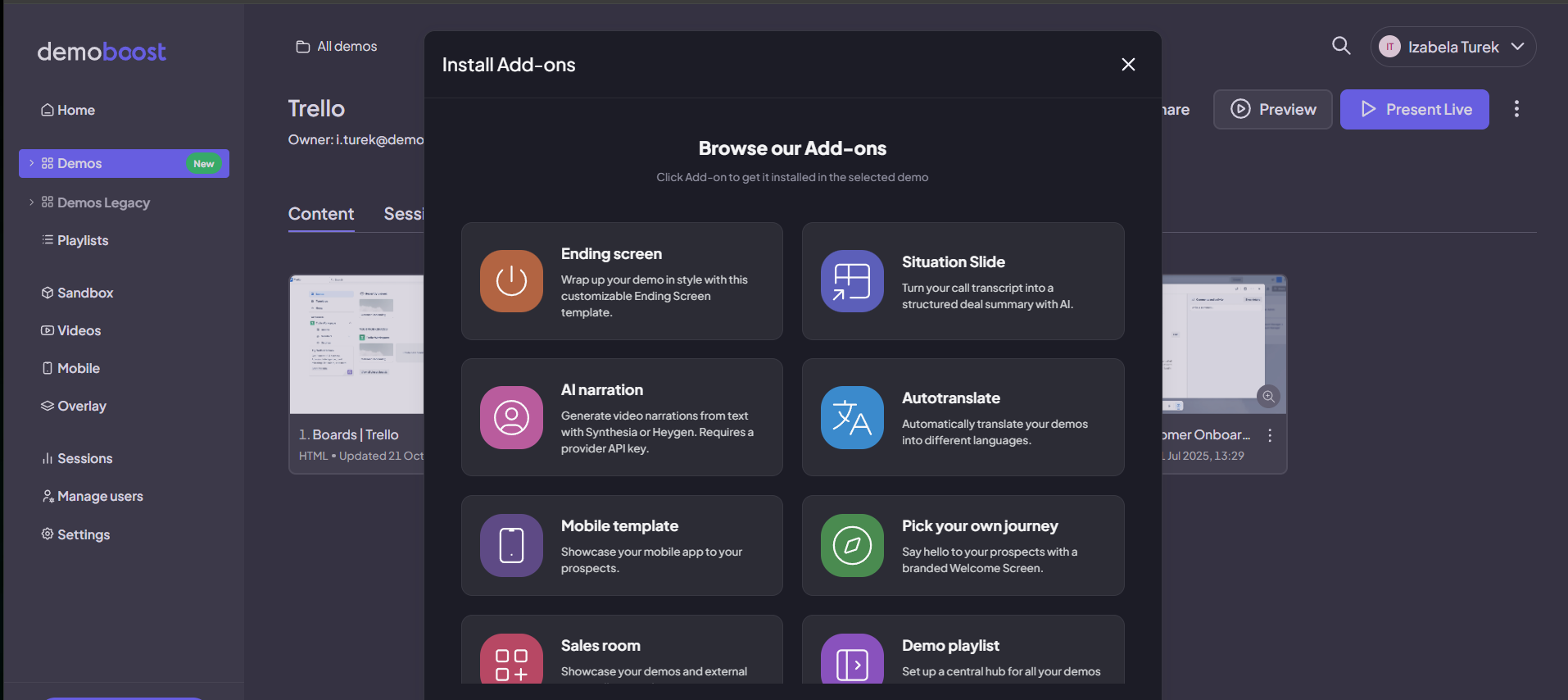
Step 1: Click on the ‘Add-ons’ button in the editor.
Step 2: Install the ‘Situation Slide’ add-on.
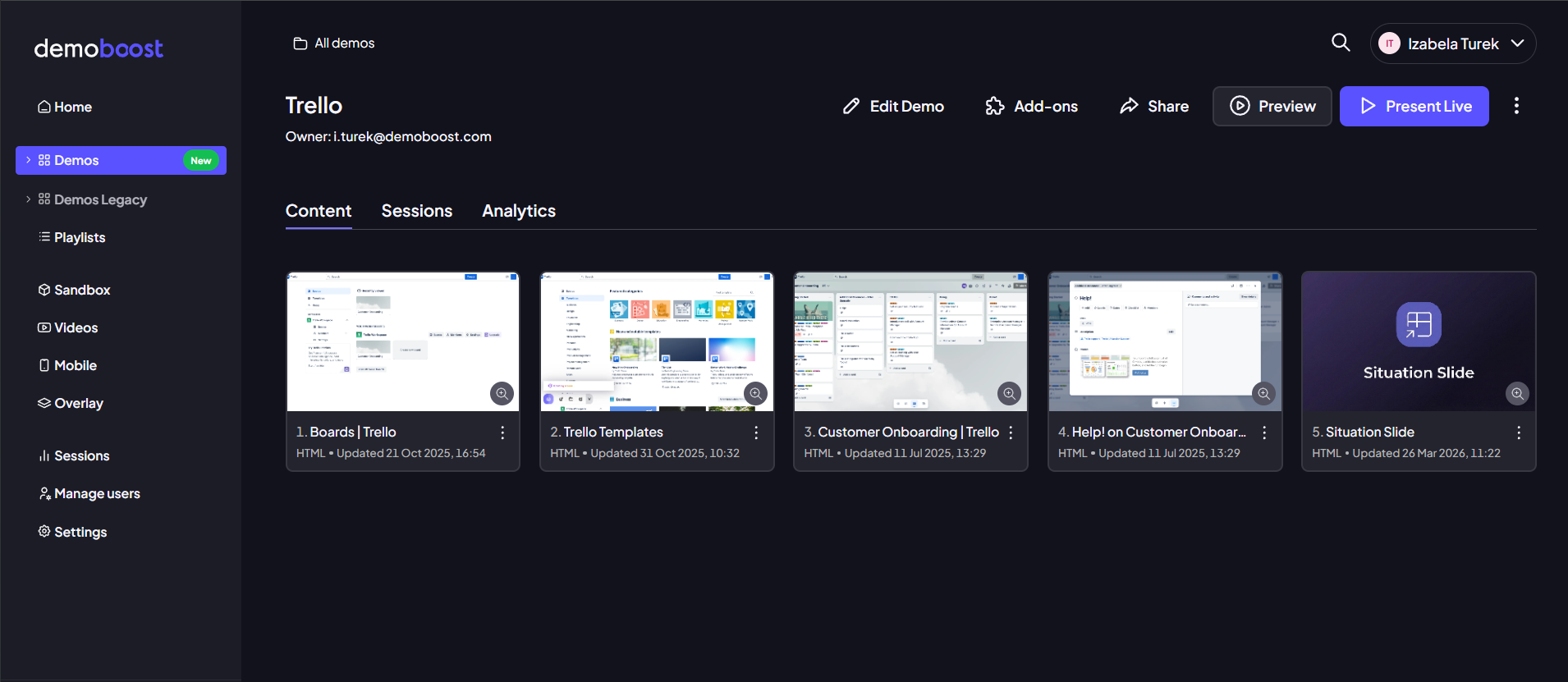
Step 3: The ‘Situation Slide’ will appear in your demo flow.
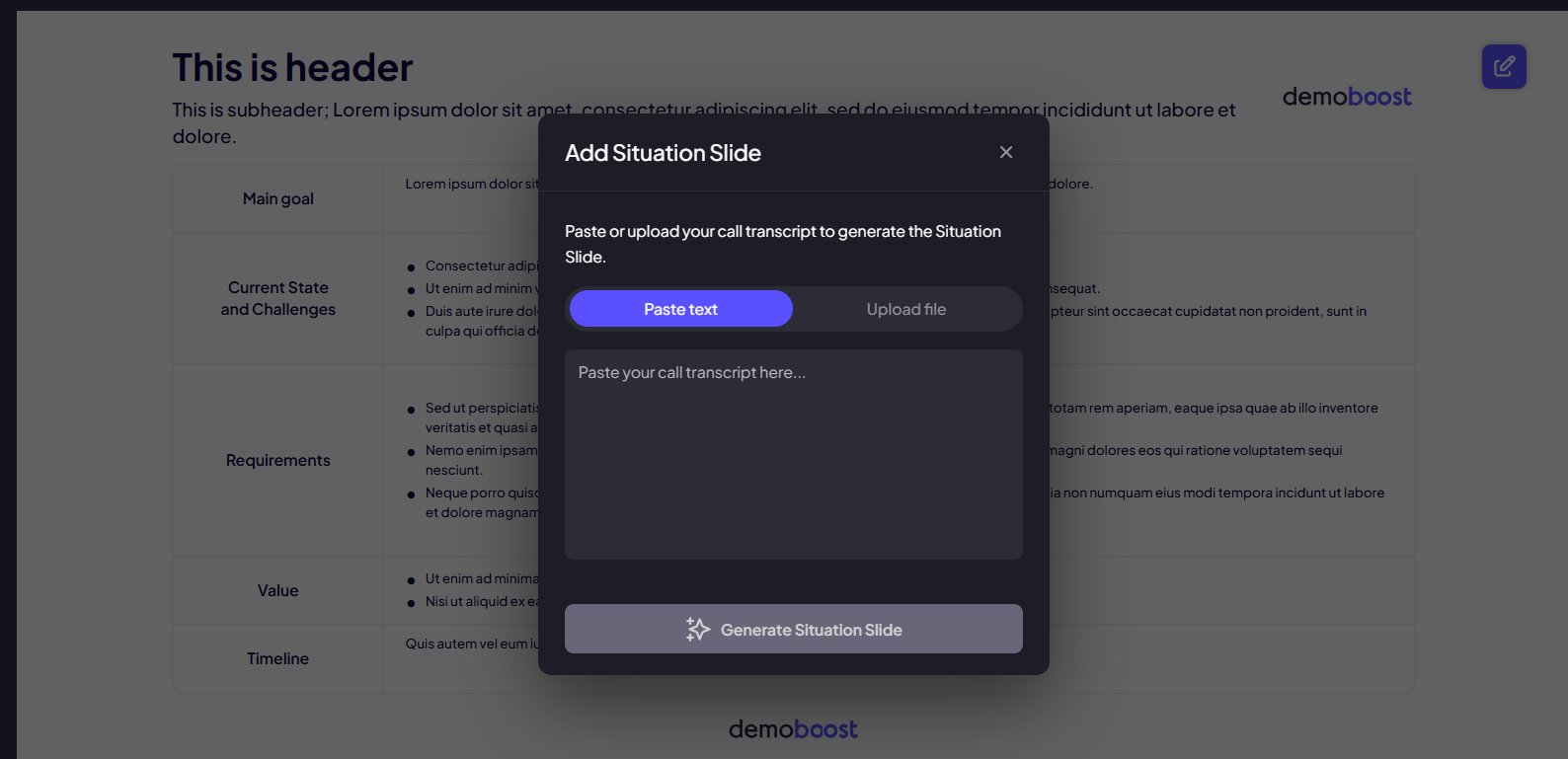
Step 4: When you open this slide, a modal will appear allowing you to paste or upload call transcript from your sessions.
Step 5: Once the transcript is processed, the AI will automatically populate the table rows with the relevant goals, challenges, and requirements identified in the conversation.
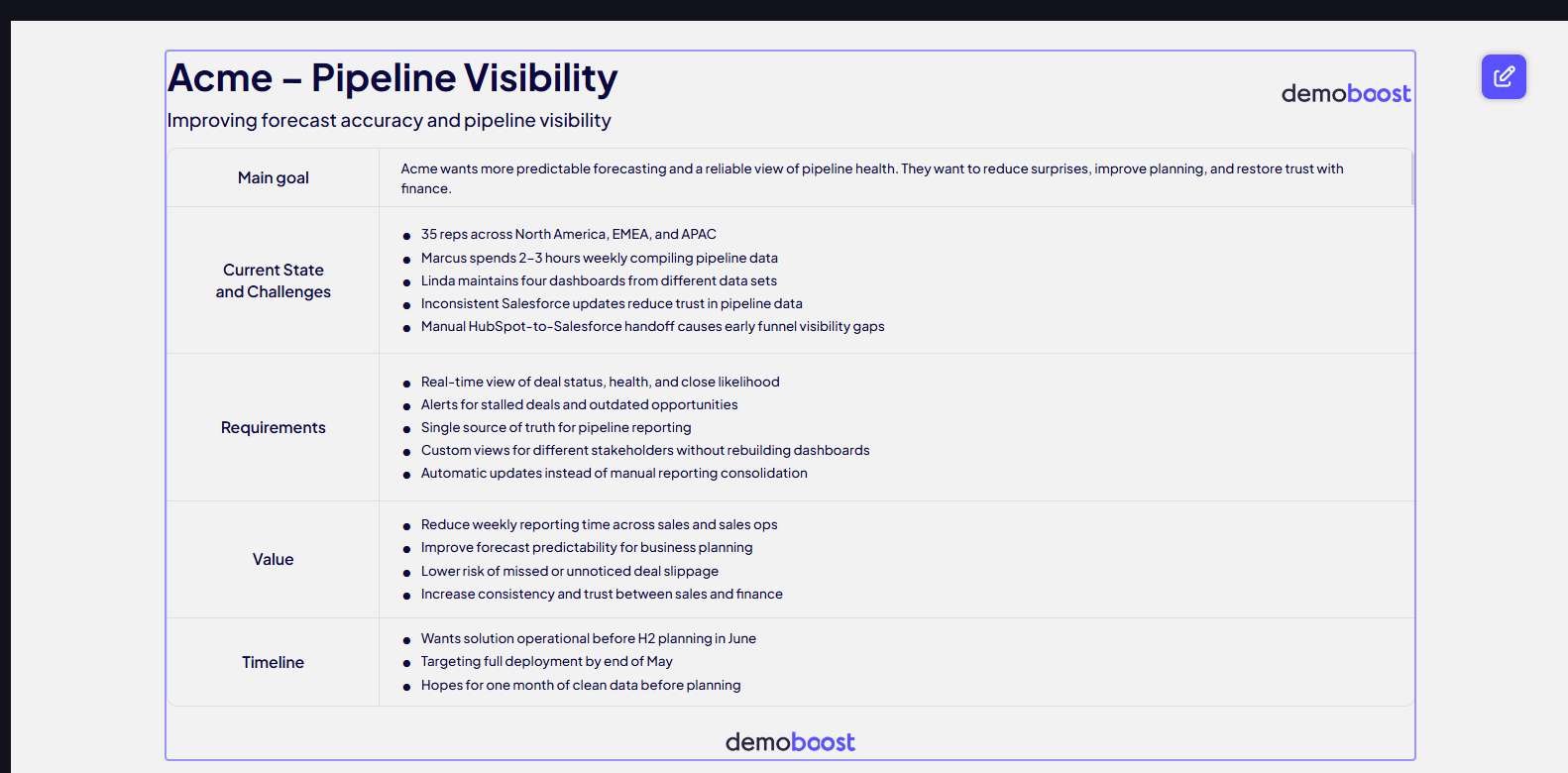
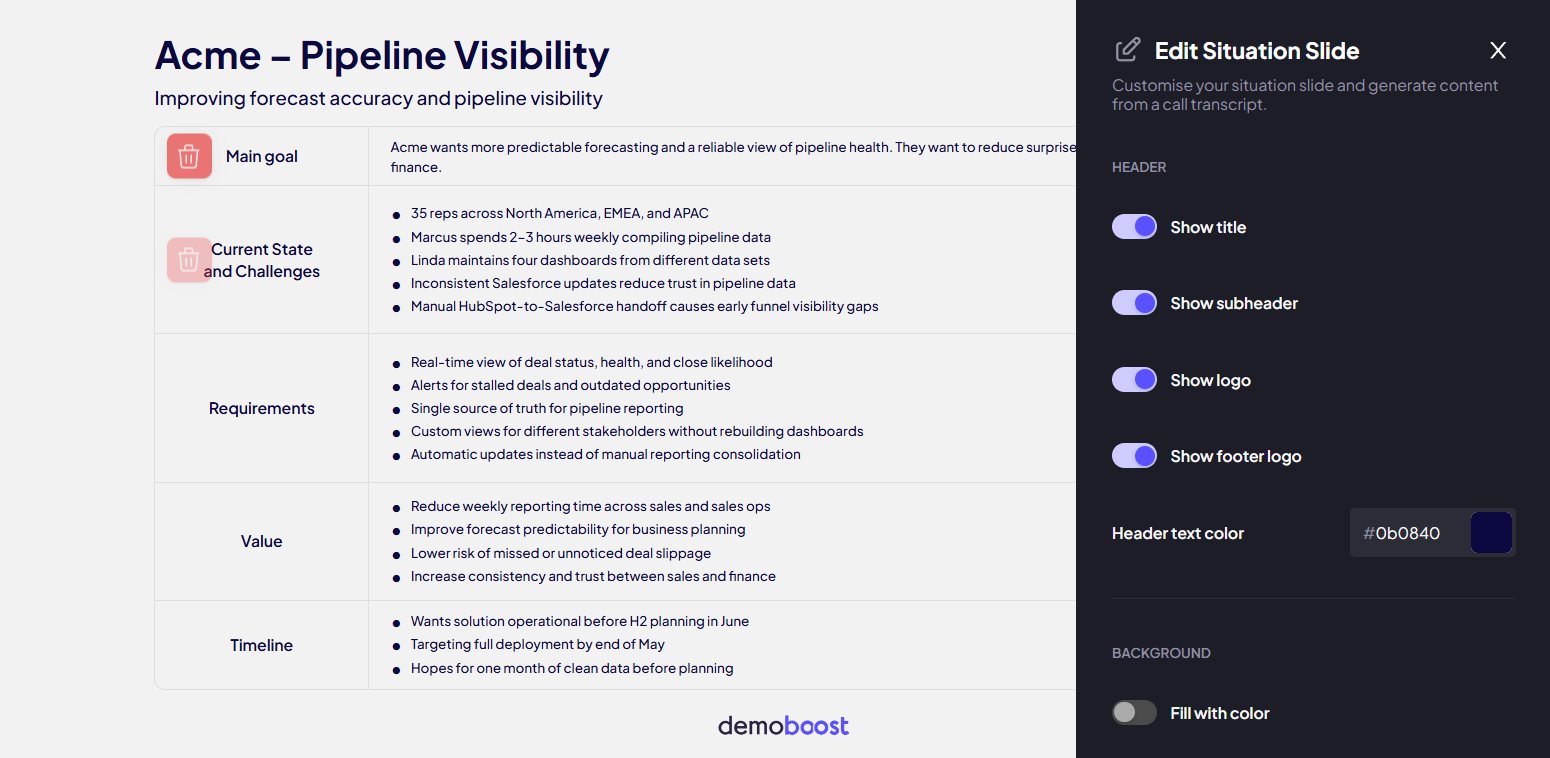
Step 6: This is your customizable screen where you can make manual edits:
- Edit Text: Click into any cell to refine the AI-generated bullet points.
- Manage Rows: Remove rows that aren't relevant.
Branding: Adjust the slide titles, upload the prospect's logo, and change the accent colors to match their brand identity.
Step 7: Save your changes. You can now use this slide in follow-up demos to ensure all stakeholders are aligned on the project's value and scope.